Key Takeaways
- GPT Image 1.5 is OpenAI’s new flagship image model integrated directly into ChatGPT
- Handles both text-to-image generation and image-to-image transformations in one workflow
- Excels at holiday cards, product mockups, bobbleheads, and creative concepting
- Falls short on technical accuracy, alignment, and precise aspect ratio control
- Cannot replace Nano Banana Pro for serious creative work requiring quality and precision
- Best used sparingly for quick tasks where ChatGPT integration offers workflow advantages
OpenAI just dropped GPT Image 1.5, and it’s forcing marketing teams to rethink their entire visual content workflow. This isn’t just another image generator buried in a separate platform — it’s ChatGPT’s new flagship image model, and it lives exactly where your team already works.
Here’s what matters: GPT Image 1.5 handles both text-to-image generation and image-to-image transformations without leaving your conversation. That means you can concept a campaign, generate hero images, create product mockups, and adapt visuals across platforms in a single creative session. No context switching. No separate subscriptions. No friction.
After extensive testing, I’m seeing real implications for how marketing departments approach everything from seasonal campaigns to brand development. The big question everyone’s asking: can this replace specialized tools like Nano Banana Pro?
What Makes GPT Image 1.5 Different?
OpenAI’s announcement positions this as their most capable image generation model yet, and from a marketing workflow perspective, the integration is what sets it apart. You’re already in ChatGPT for strategy, copywriting, and research — now your visual concepting happens in the same environment.
The model demonstrates strong understanding of brand consistency, typography space, and commercial applications. It handles complex prompts that include lighting direction, material specifications, and platform-specific requirements. Most importantly, it processes both creative direction (text-to-image) and asset transformation (image-to-image) with the same tool.
While specialized models like Nano Banana Pro excel at specific aesthetic styles, GPT Image 1.5 offers versatility that’s particularly valuable for marketing teams managing multiple brands, campaigns, and content types simultaneously.
Let’s get into it.
Image-to-Image GPT Image 1.5 Use Cases That Transform Marketing Content
1. Holiday Ornament
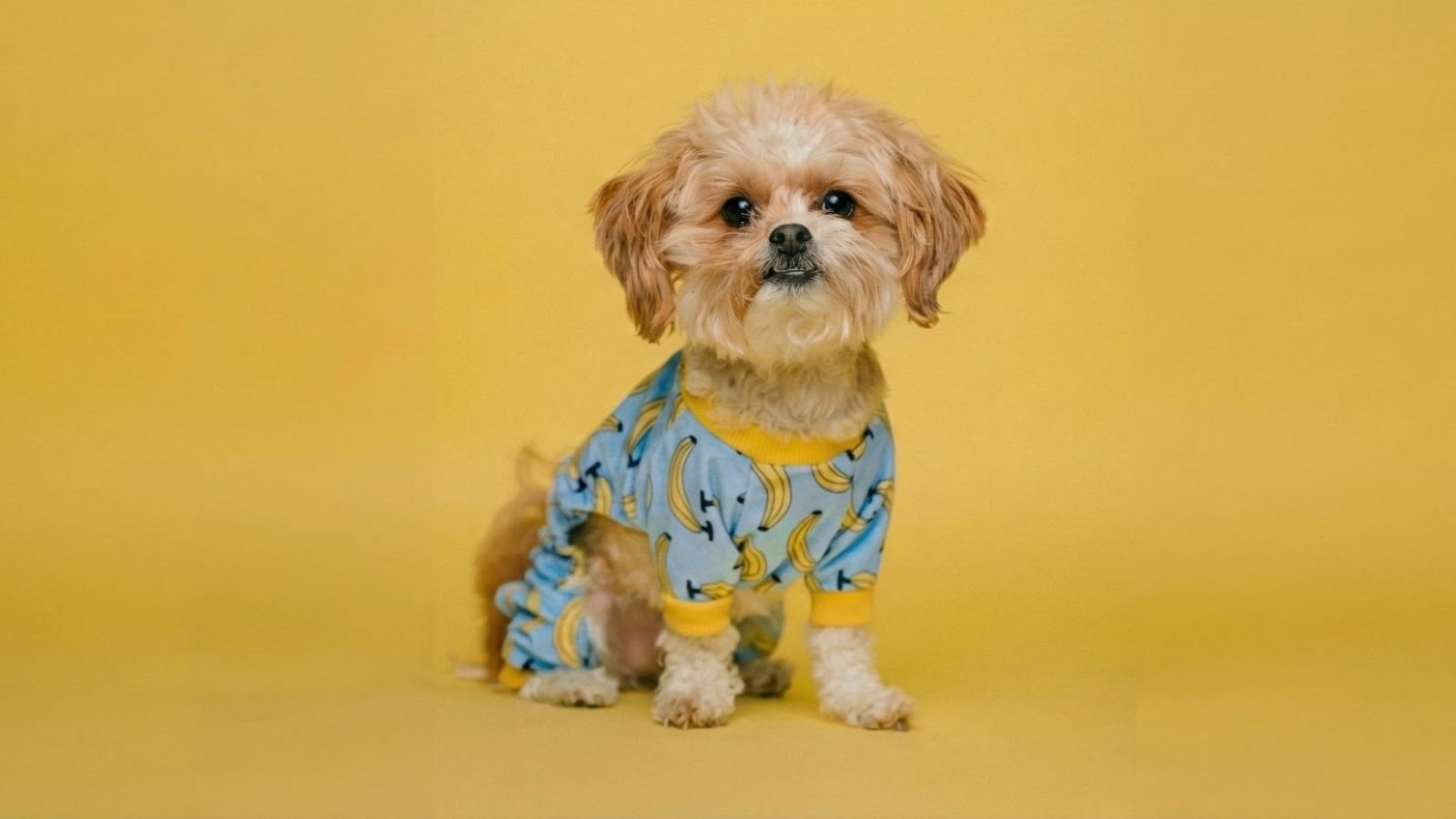
In this test, I’m pushing GPT Image 1.5 to turn a real photo into a fully realized physical object — a glossy glass Christmas ornament — while keeping the original character, materials, and setting intact. This kind of prompt checks how well the model understands surface texture, reflections, structure, and real-world use, not just visual style.
Input Image
Prompt
Turn this into an ornament sculpted from glossy molded glass, finished in a high-shine lacquer that catches light from every angle. Its surface feels perfectly smooth and cool, with a weight that suggests fragility and permanence at once. The coating is a lustrous enamel, somewhere between ceramic and a candy shell—reflective enough that small highlights bloom across its curves like soft sparks. Include a visible metallic ornament topper and attachment loop placed directly on the very top center of the person or object, aligned on the vertical axis. The topper should be clearly visible, emerging cleanly from the top and designed for hanging without disrupting the overall form. Make the background color similar to the input image. Place it on a christmas tree, with a festive holiday atmosphere.
Output Image
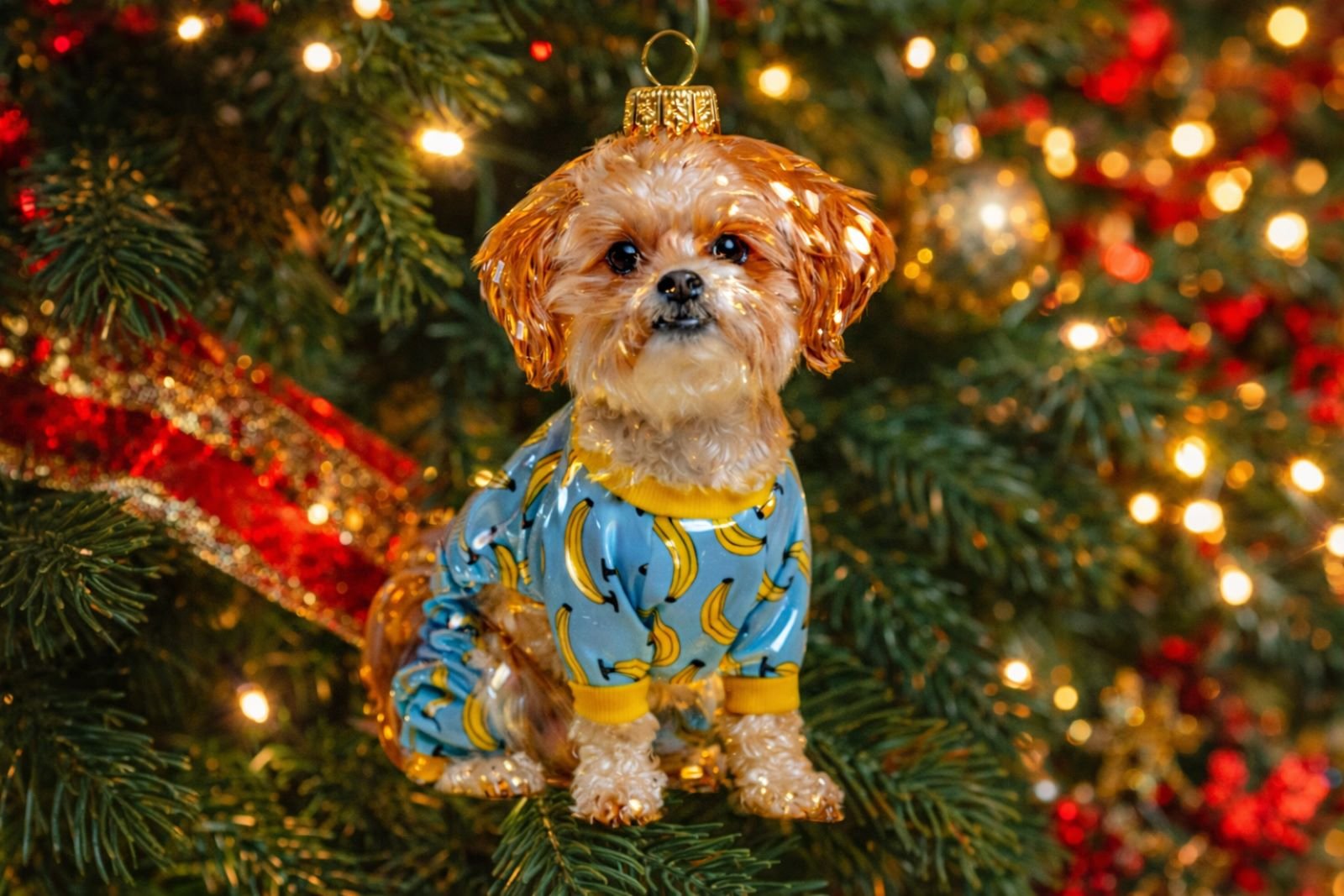
The output feels polished and intentional: the glass shine, enamel finish, and ornament topper all read as realistic and functional. As a creative director and agency owner, this tells me GPT Image 1.5 is moving beyond “cool images” and into real creative problem-solving, especially for product mockups, branded visuals, and rapid concept development.
2. Baseball Bobblehead
For this test, I’m seeing how GPT Image 1.5 handles turning a real photo into a stylized, manufactured collectible — specifically a classic baseball bobblehead. This kind of prompt tests whether the model understands scale exaggeration, toy-like materials, and the difference between a real person and a designed product.
Input Image

Prompt
Transform the subject into a classic baseball bobblehead figurine that clearly reads as a manufactured collectible rather than a person. Dramatically oversize the head so it feels top heavy and playful, connected to the body by a short, stiff neck that suggests a spring instead of anatomy. Preserve the subject’s facial identity, but simplify the features and render the face as smooth matte painted vinyl skin with no pores or lifelike texture. Facial planes should feel simplified and graphic, with minimal surface detail. Hair and beard should appear fully sculpted, formed with carved grooves and solid shapes rather than individual strands. Dress the figure in a baseball uniform inspired by the colors of the subject’s original clothing or local geography, translated into a cohesive jersey, cap, and accessories. The body should be small, rigid, and toy like. Place the figurine in front of a printed or softly illustrated baseball stadium backdrop so the scene reads as a collectible display, nostalgic and unmistakably a bobblehead. Do not include a name on the figurine.
Output Image
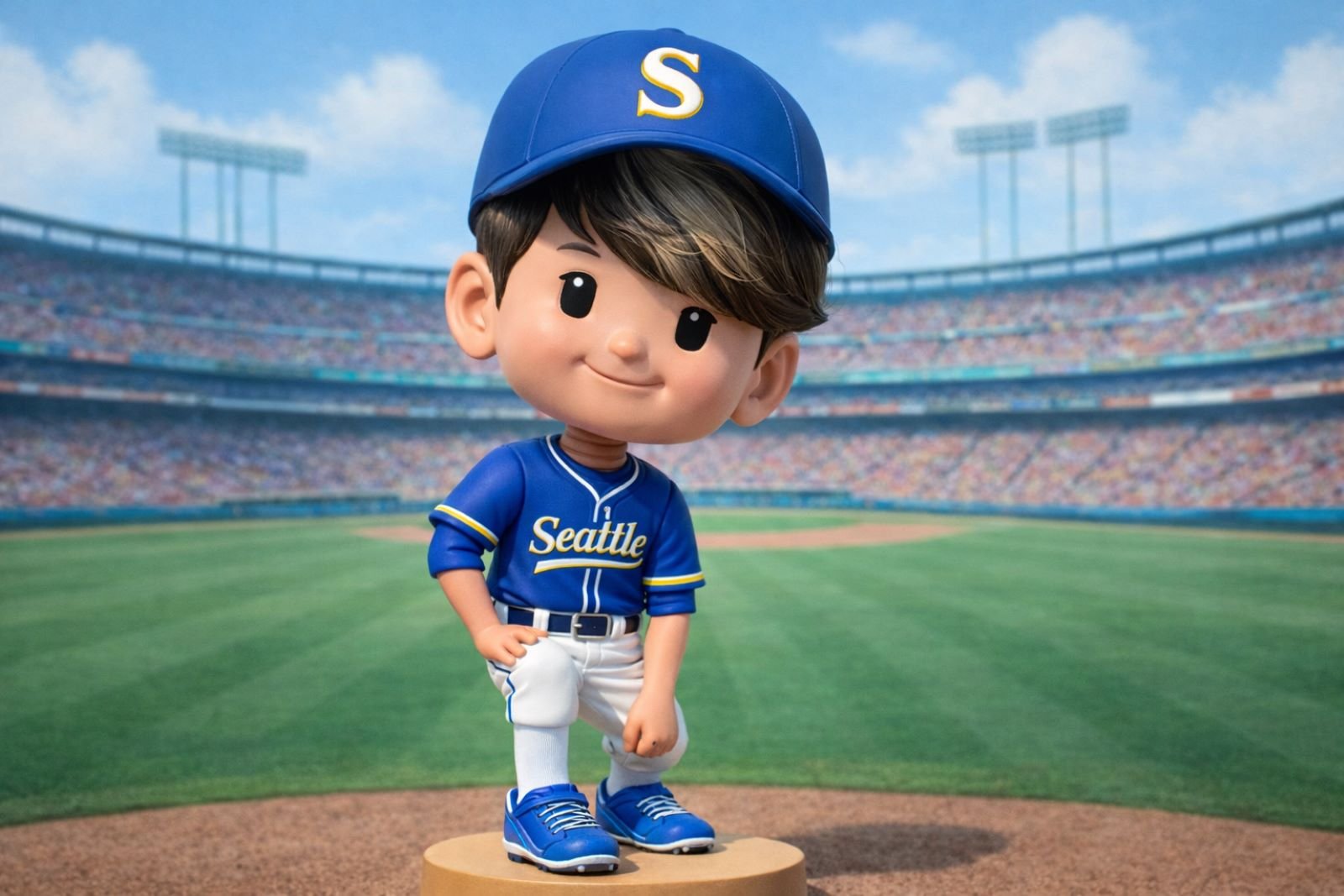
The result nails the bobblehead feel: oversized head, simplified features, matte vinyl look, and a playful stance that clearly reads as a collectible, not a photo. From a creative agency standpoint, this is strong proof that the model can quickly generate merch concepts, fan collectibles, and branded characters without heavy back-and-forth or manual illustration.
3. Holiday Card
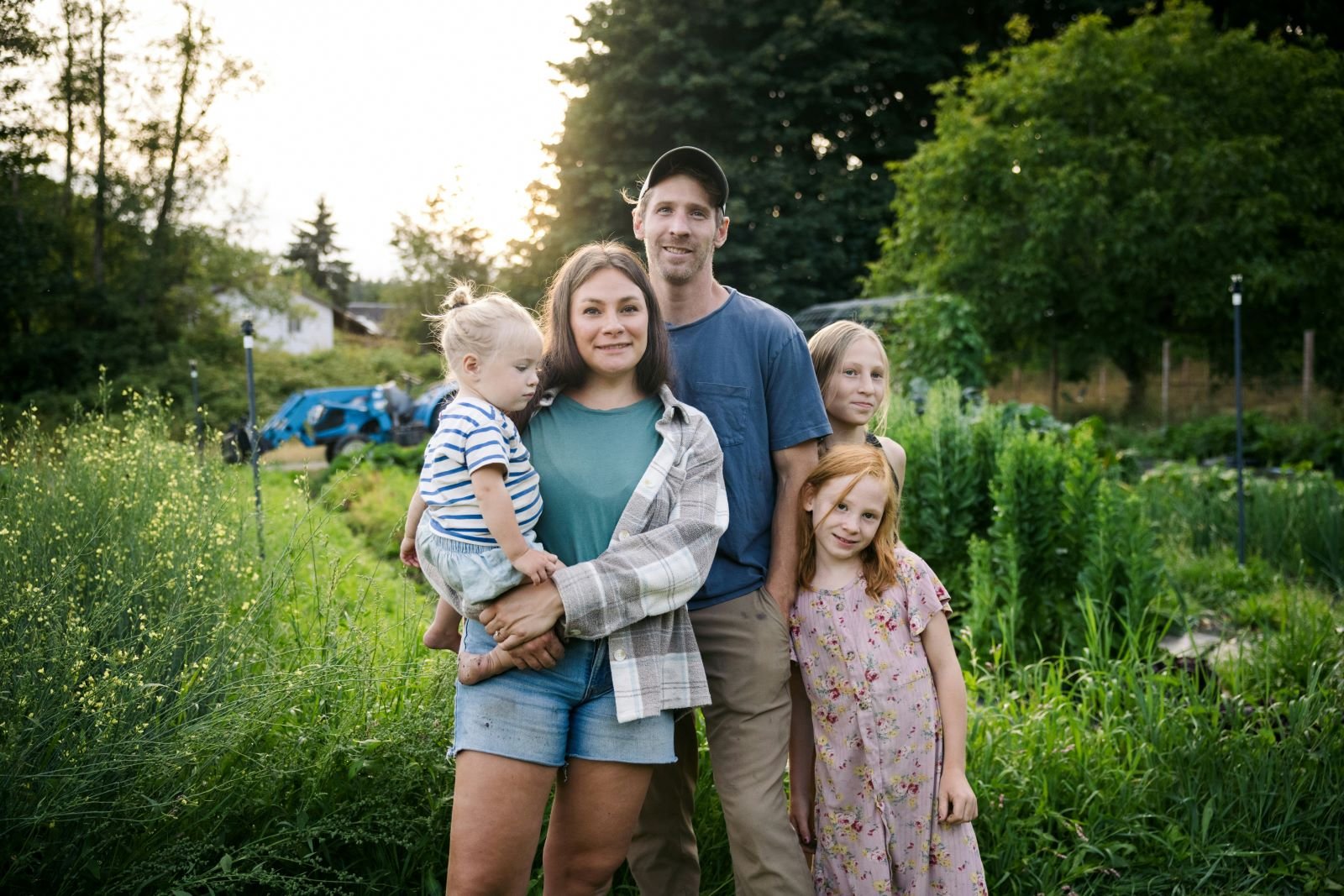
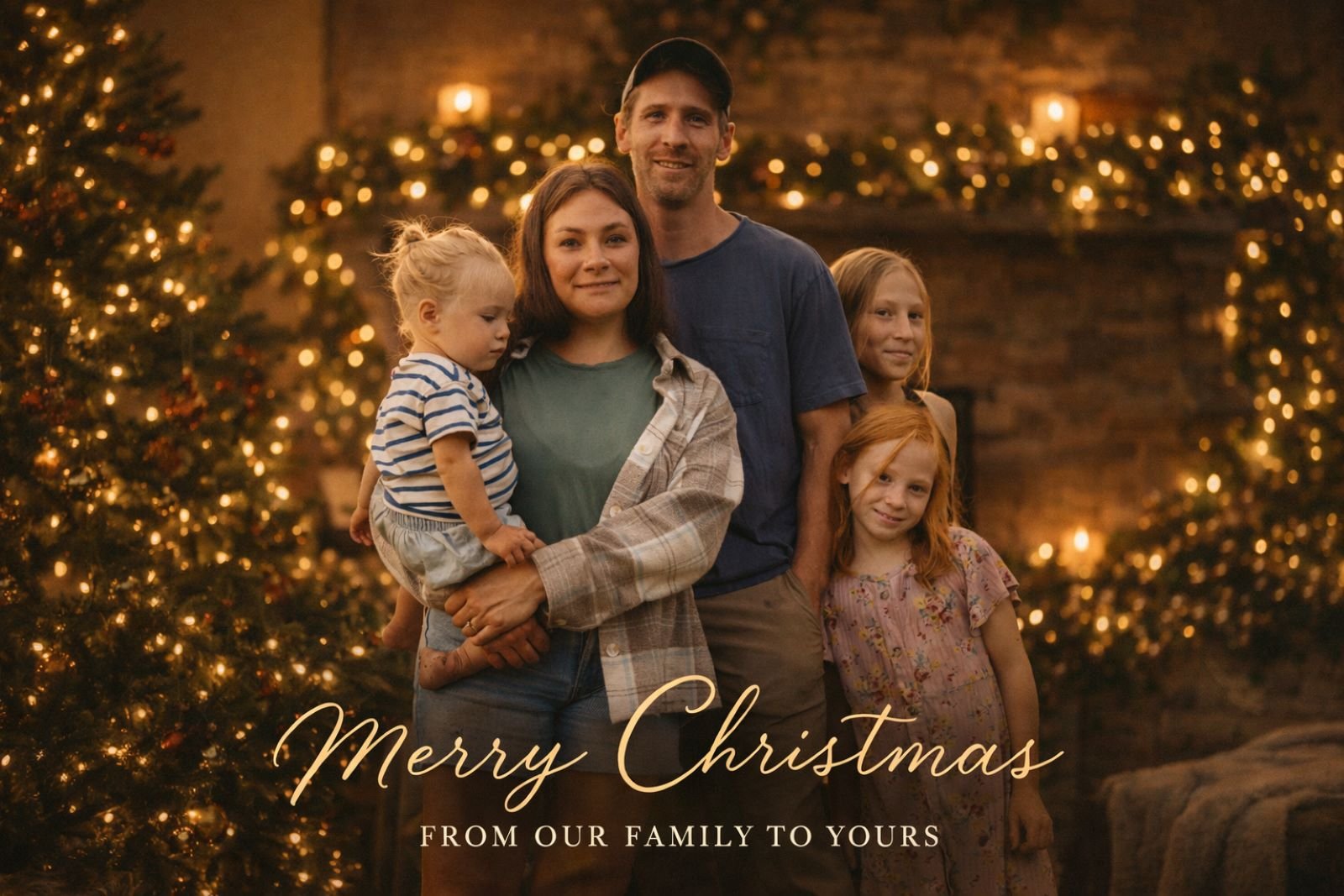
For this test, I’m exploring how GPT Image 1.5 transforms a real family photo into a finished holiday card, complete with warm lighting, festive atmosphere, and tasteful typography. This checks the model’s ability to balance emotion, realism, and design polish without losing the authenticity of the original moment.
Input Image
Prompt
Transform the reference photo into a warm, elegant holiday card with festive styling, cozy lighting, subtle décor, and natural, photorealistic likeness preserved. Optionally include tasteful holiday text or a short seasonal greeting that complements the image without overpowering the subject.
Output Image
Prompt
Give the family proper holiday attire for a professional holiday family card.
Output Image
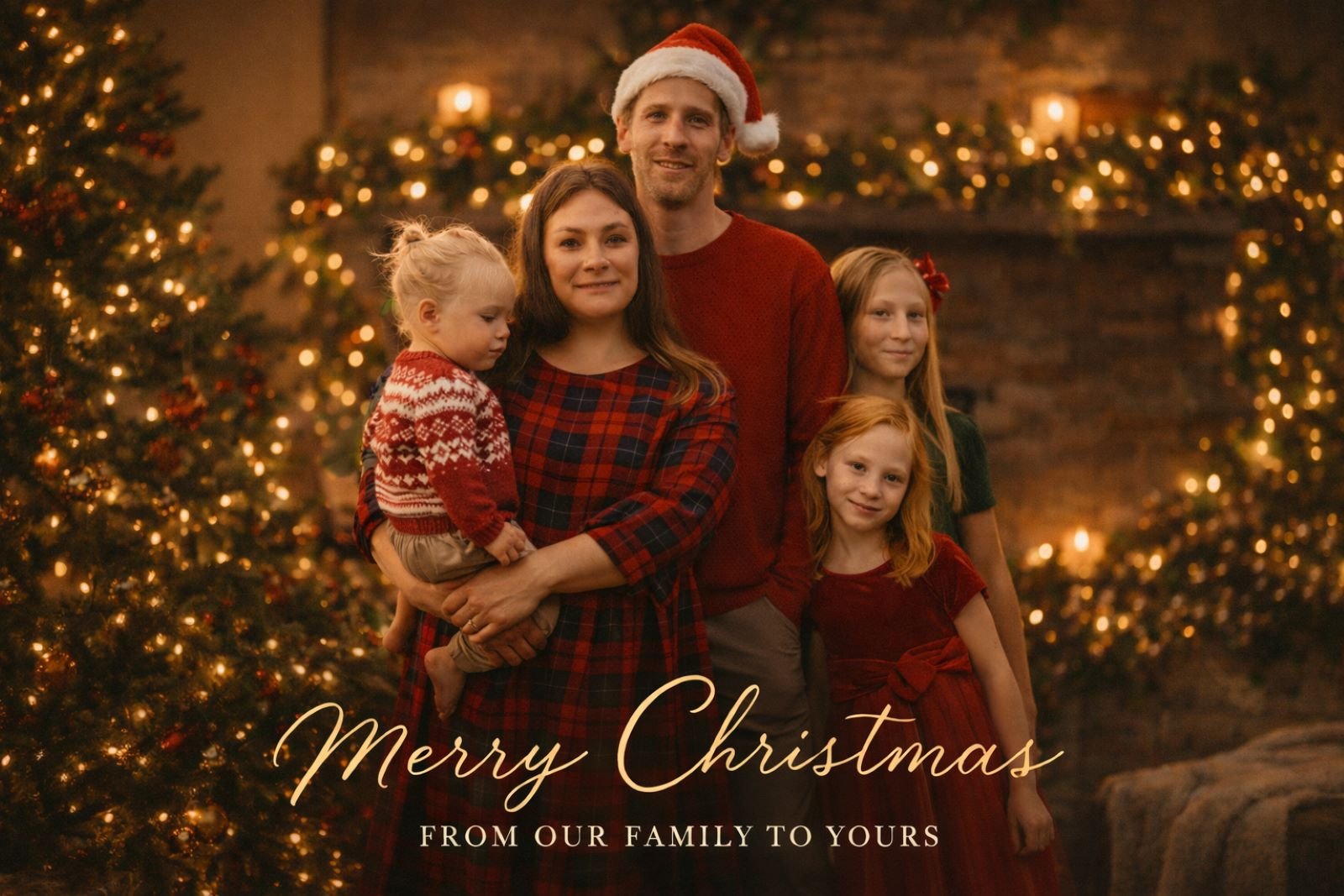
The output feels genuinely card-ready: cozy lighting, soft holiday glow, and subtle text that enhances the image instead of distracting from it. From a creative director’s lens, this shows GPT Image 1.5 understands restraint — which is critical for lifestyle branding, seasonal campaigns, and client-facing visuals that need to feel personal, not overproduced.
4. Sugar Cookie
This test looks at how GPT Image 1.5 translates a real photo into a stylized, edible object — in this case, a decorated sugar cookie — while keeping the subject recognizable. It’s a great way to test simplification, charm, and whether the model understands handcrafted design instead of realism.
Input Image

Prompt
Using the provided image as reference, create a tasty, perfectly formed sugar cookie decorated with smooth royal icing based on the subject or image. If the image contains a person, render a simplified icing likeness of their face that clearly resembles them while remaining non-photorealistic; if the image contains an object, animal, or scene, translate its most recognizable features into a friendly royal-icing design using the same logic. The cookie should be stamped in a simple, easy-to-cut silhouette, with the design piped entirely in feasible royal-icing shapes—chunky, smooth lines rather than fine illustration detail, minimal shading, and clean, confident outlines like those used by a skilled cookie artist. Colors should be vibrant, playful, and holiday-friendly without needing to follow real-world color accuracy. Add small, simplified seasonal accents such as holly, snowflakes, sparkles, a scarf, or a beanie rendered as basic piped shapes, avoiding anything overtly religious or denominational. The final result should feel cute, approachable, and clearly edible, emphasizing handcrafted charm, clarity, and a strong resemblance achieved through simplified, piped decoration rather than realism. Place it on a baking sheet with a festive holiday background. 16×9
Output Image
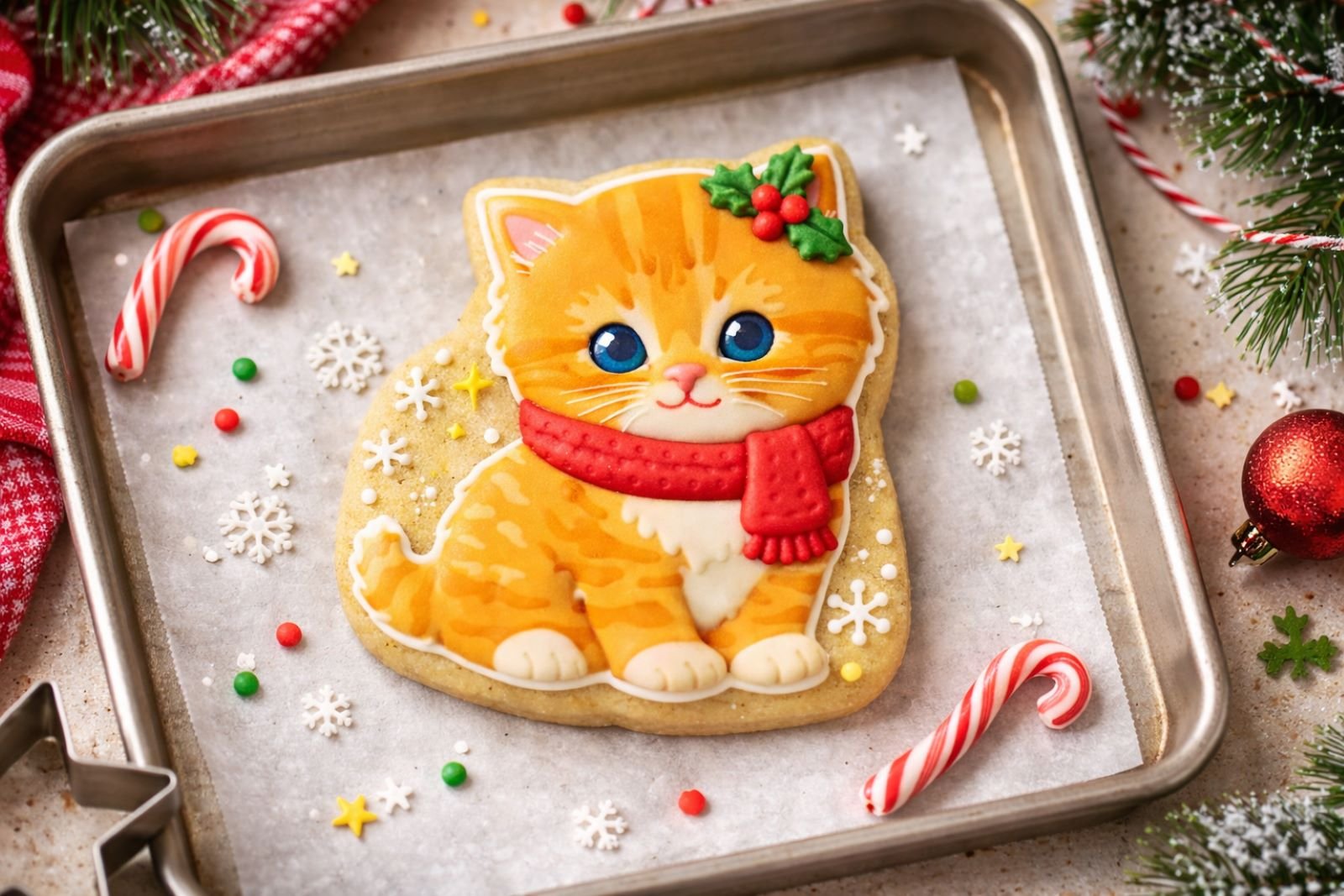
The result feels spot-on: clean piped icing shapes, playful colors, and a clear resemblance without trying to look real. From an agency and creative director perspective, this shows the model excels at brand-friendly illustration styles, making it perfect for packaging concepts, seasonal marketing, and whimsical product visuals that need to feel warm and human.
5. Holiday Portrait
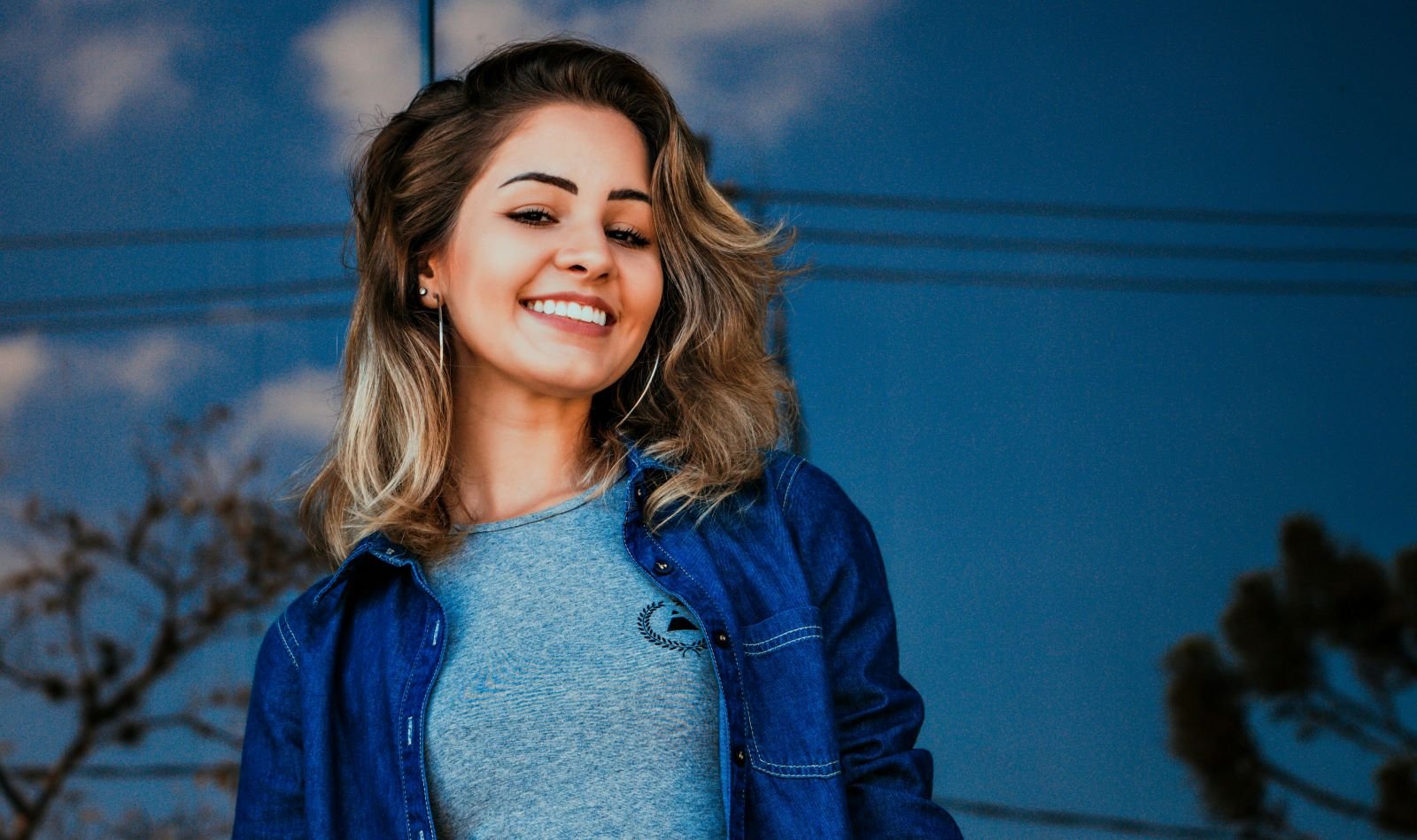
This test focuses on how GPT Image 1.5 enhances a real portrait for the holidays without changing the person themselves. The goal here is subtle transformation — adjusting lighting, mood, and environment while keeping the face, expression, and identity completely intact.
Input Image
Prompt
Transform the uploaded photo into a warm, polished Holiday portrait. Keep the person’s REAL face, skin tone, expression, and features exactly the same. Restyle them in soft holiday lighting with gentle golden highlights. Surround them with festive elements like evergreen branches, warm twinkle lights, and a subtle bokeh glow. Add rich reds, forest greens, and cozy textures reminiscent of classic holiday cards. The final image should feel elegant, warm, and timeless — not cartoonish.
Output Image

The output feels refined and timeless, with warm tones, soft highlights, and festive elements that elevate the image instead of overpowering it. From a creative director’s standpoint, this is exactly what you want for premium portraits and brand visuals — it respects realism while adding emotional polish that feels intentional and professional.
6. Plush Style Toy
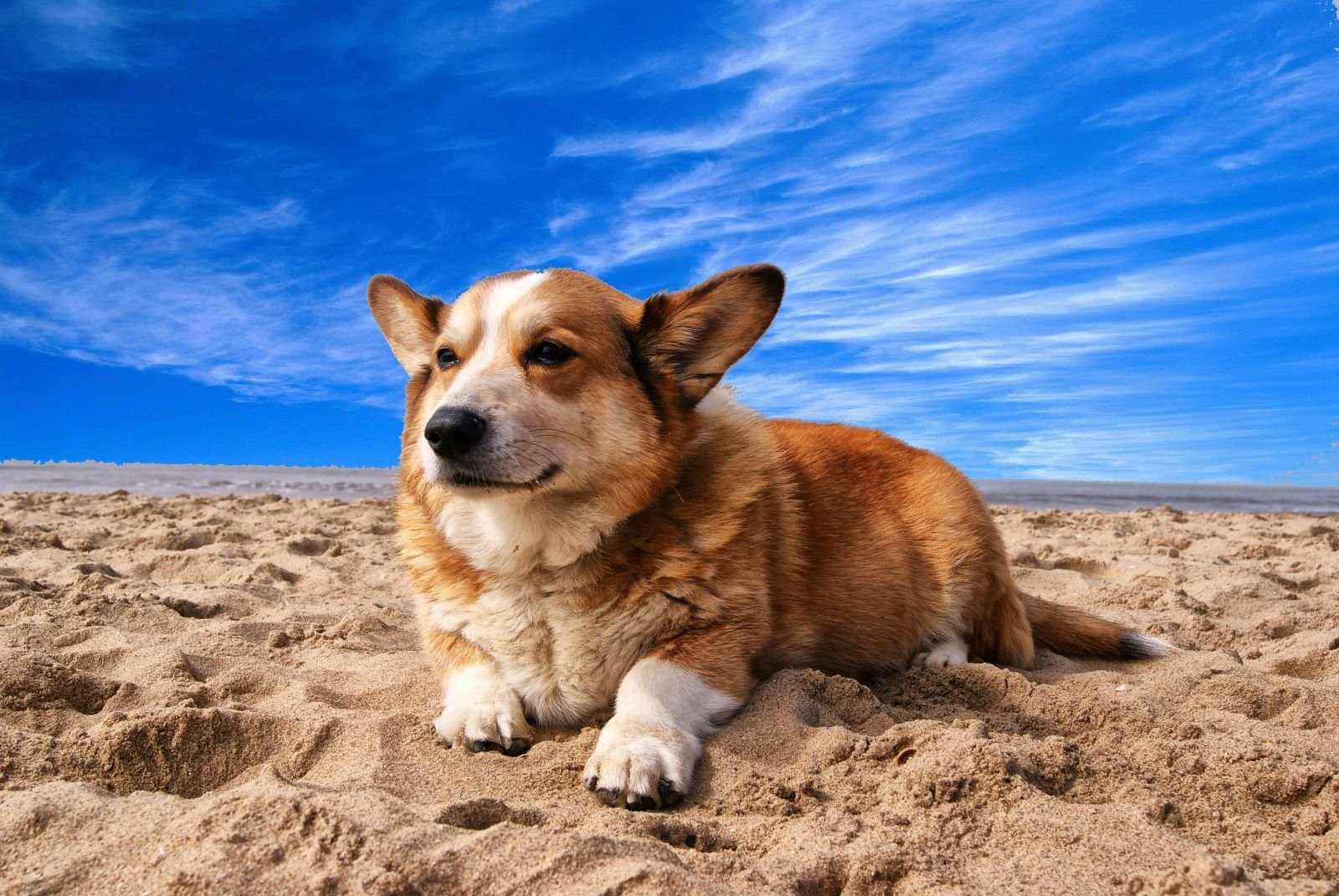
For this test, I’m seeing how GPT Image 1.5 converts a real photo into a soft, plush-style toy while keeping the subject instantly recognizable. This kind of example tests texture translation, proportion control, and whether the model understands handcrafted product aesthetics.
Input Image
Prompt
Transform the subject or image into an adorable plushie-style form with soft textures and rounded proportions. If a person is present, preserve recognizable traits; otherwise, reinterpret the object or animal as a cozy stuffed toy using felt or fleece textures. Give it a cozy felt or fleece texture, simplified shapes, and gentle embroidered details for the eyes, mouth, and features. Use a warm, pastel or neutral color palette with smooth shading and subtle seams, like a handcrafted stuffed toy. Keep the expression friendly and cute, with a slightly oversized head, short limbs, and a cuddly silhouette. The final image should feel like a charming, collectible plush toy — cozy, wholesome, and huggable, while still recognizable as the original subject.
Output Image
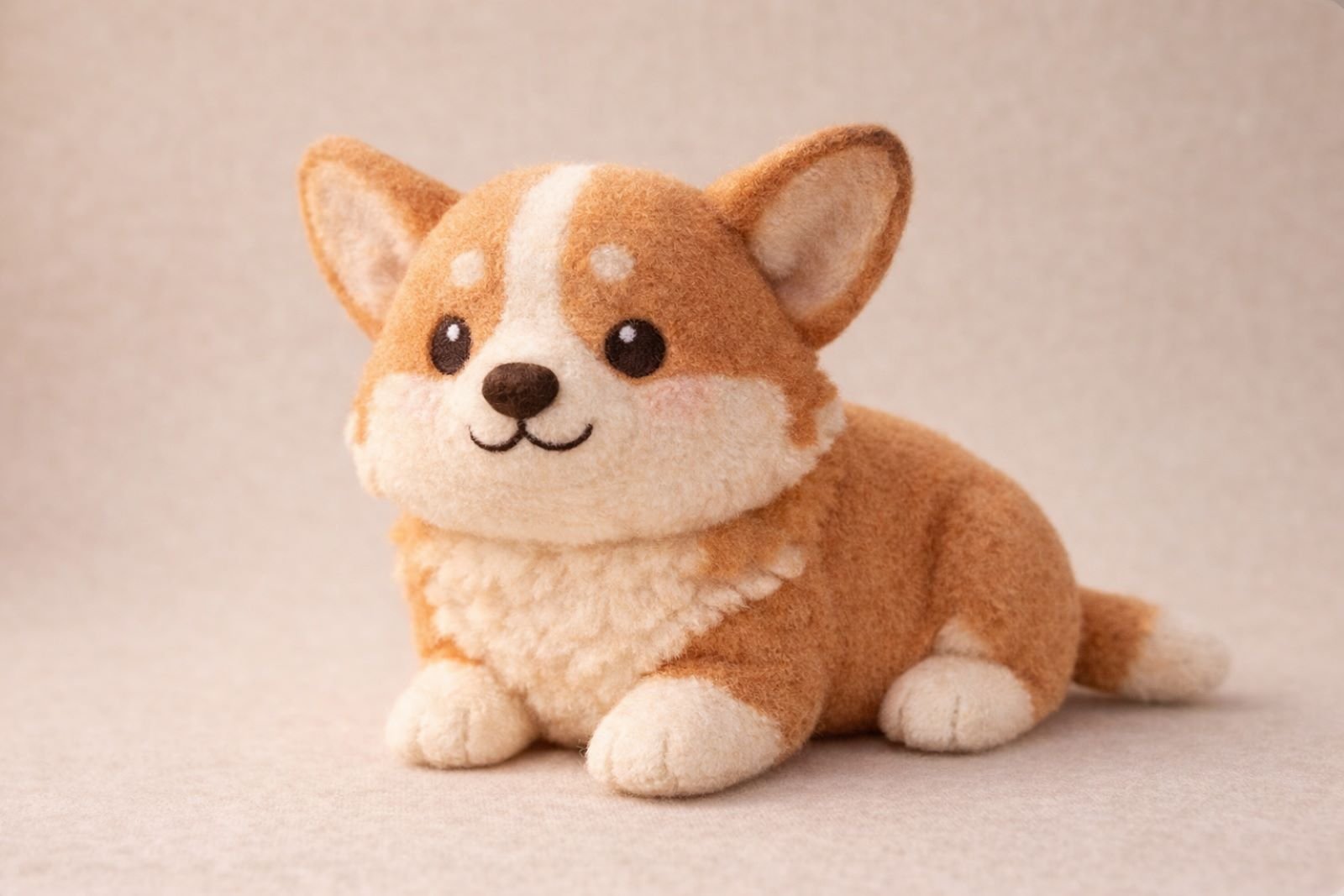
The output feels genuinely huggable — soft materials, rounded forms, and simplified features that still capture the subject’s personality. From a creative agency perspective, this shows real potential for toy concepts, character merch, and brand mascots where warmth and emotional appeal matter just as much as accuracy.
7. Orthographic Blueprint
In this test, I’m pushing GPT Image 1.5 to translate a real-world object into clean, orthographic blueprints — plan, section, and elevation. This checks whether the model understands structure, proportion, and spatial logic, not just visual style.
Input Image

Prompt
Generate orthographic blueprints for this image. Plan, section, and elevation
Output Image
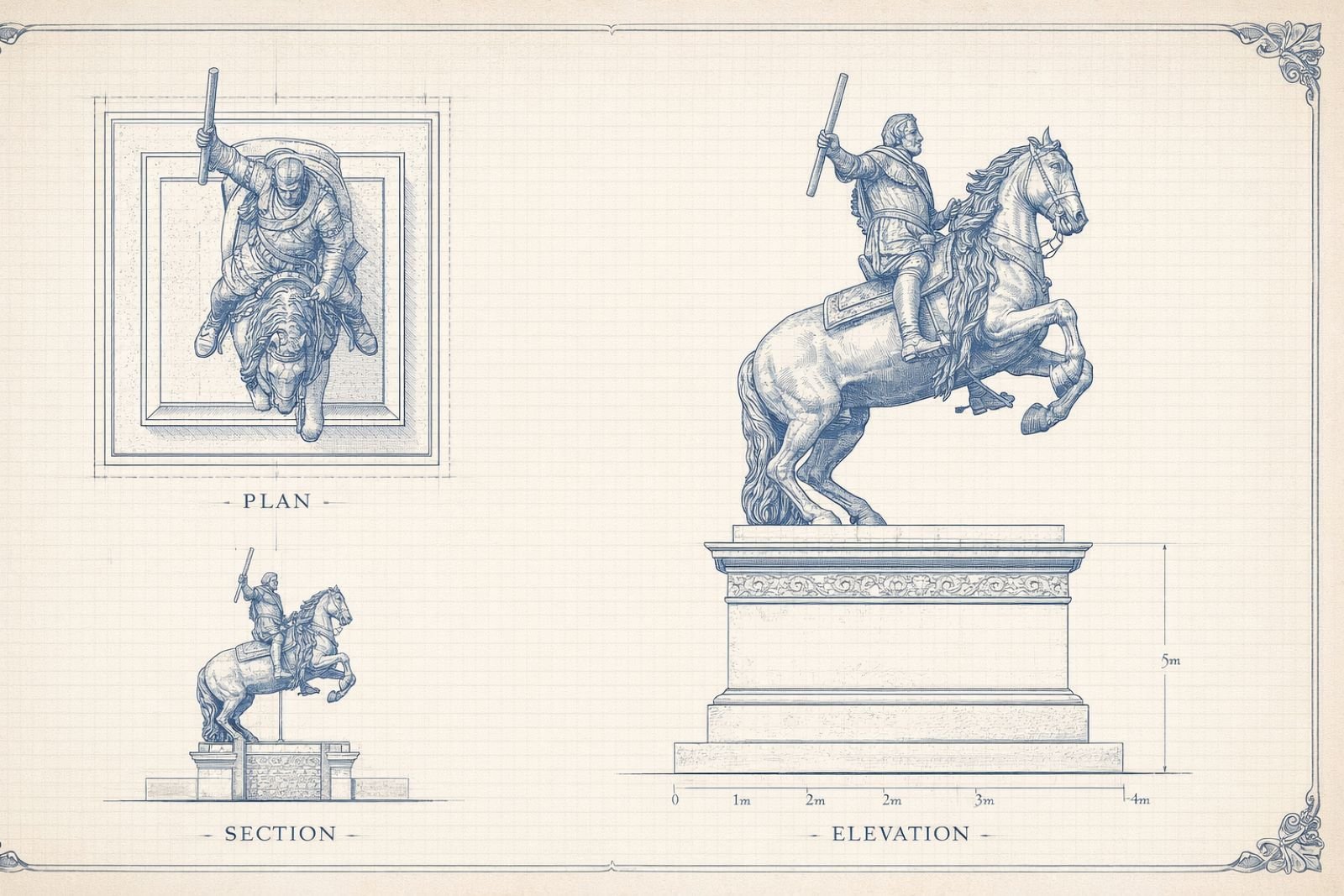
The output is surprisingly precise, with clear views, consistent scale, and a layout that actually reads like a real blueprint. From a creative director’s perspective, this is a big deal — it shows real potential for concept design, fabrication planning, and early-stage visualization where clarity matters more than decoration.
Text-to-Image GPT Image 1.5 Use Cases for Creative Teams
8. Comic Book Strip
Now we’re shifting into pure text-to-image, testing how GPT Image 1.5 handles multi-panel storytelling, action, and visual pacing from a single prompt. This kind of example checks whether the model understands narrative flow, consistent characters, and comic-book language — not just a single frame.
Prompt
A comic book strip of two men fighting on top of a speeding train
Output Image

The output delivers strong panel-to-panel continuity, dynamic motion, and classic comic energy with readable action beats and sound effects. From a creative director’s view, this is huge — it shows real potential for storyboards, animatics, and rapid visual storytelling without needing a full illustration team.
9. Infographic (Left Brain vs Right Brain)
This test looks at how GPT Image 1.5 handles structured information design from a simple text prompt, combining layout, icons, color systems, and readable hierarchy. Infographics are a great stress test because they require both visual clarity and accurate, concise text.
Prompt
Create a fun and informative infographic on the Left Brain vs Right Brain differences. 16×9
Output Image
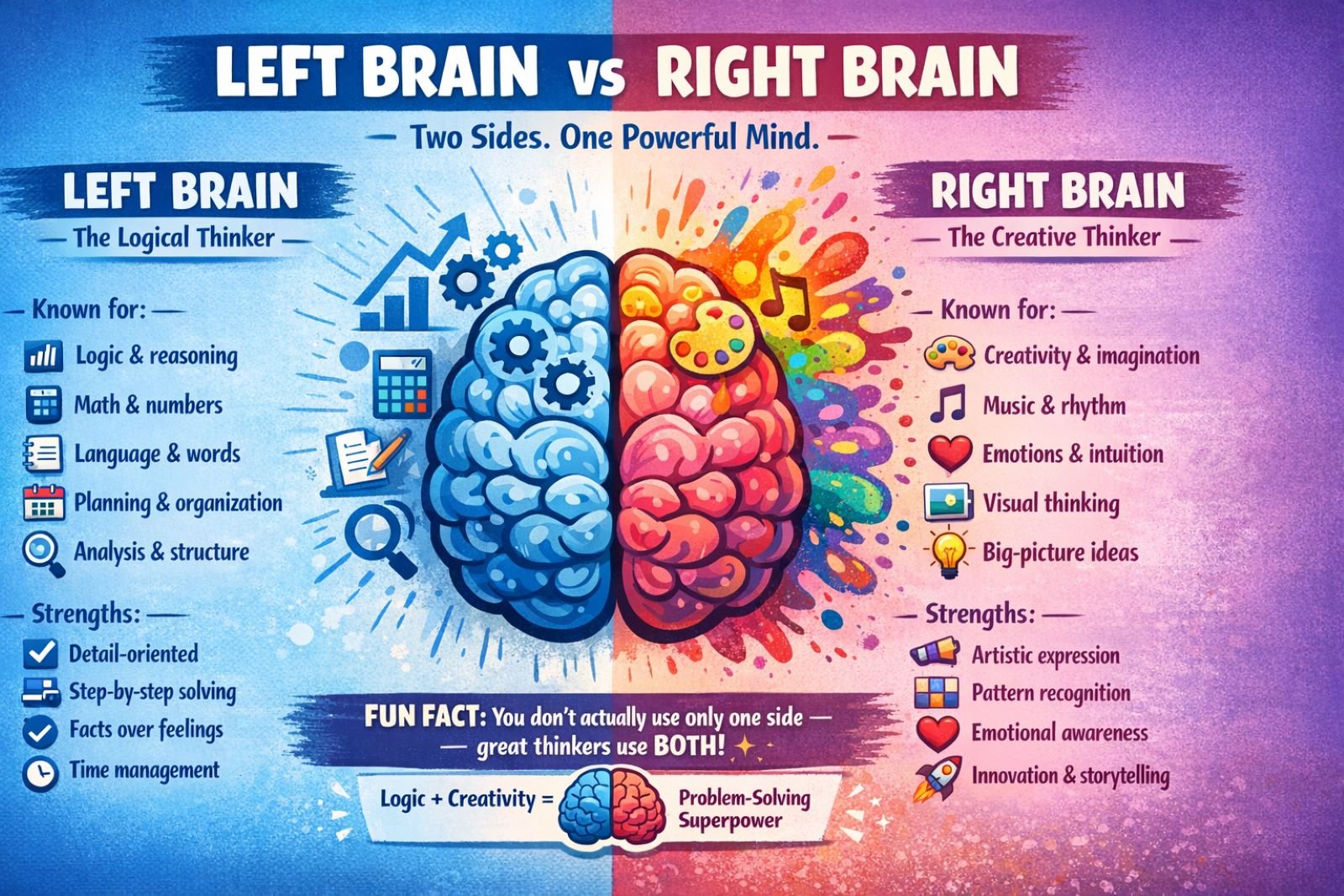
The design is strong right out of the gate — clear sections, engaging visuals, and text that actually makes sense. From a creative director’s perspective, the only minor issue is centering, which is an easy crop or layout fix, but overall this shows the model is very capable of producing near-publish-ready educational graphics.
Here’s another take on how coffee machines work
Prompt
Design an infographic showing how an automatic coffee machine works — from beans to cup — labeled parts with icons and arrows. 16×9
Output Image
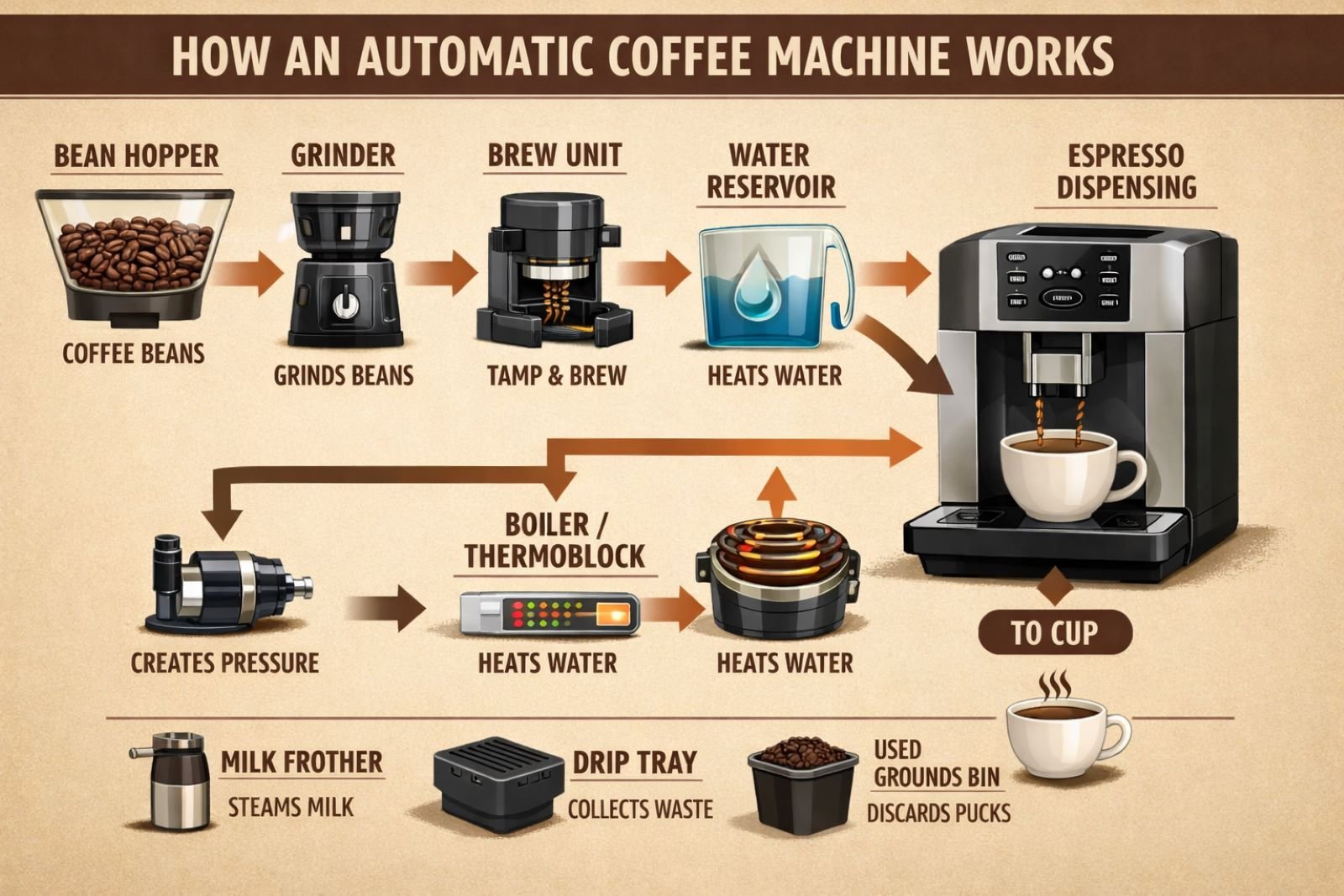
The infographic is easy to follow and visually strong, though a few steps are simplified for clarity rather than technical precision. From a creative director’s view, it’s great for marketing and education, with minor tweaks needed only if engineering-level accuracy matters.
10. Logo Style Design
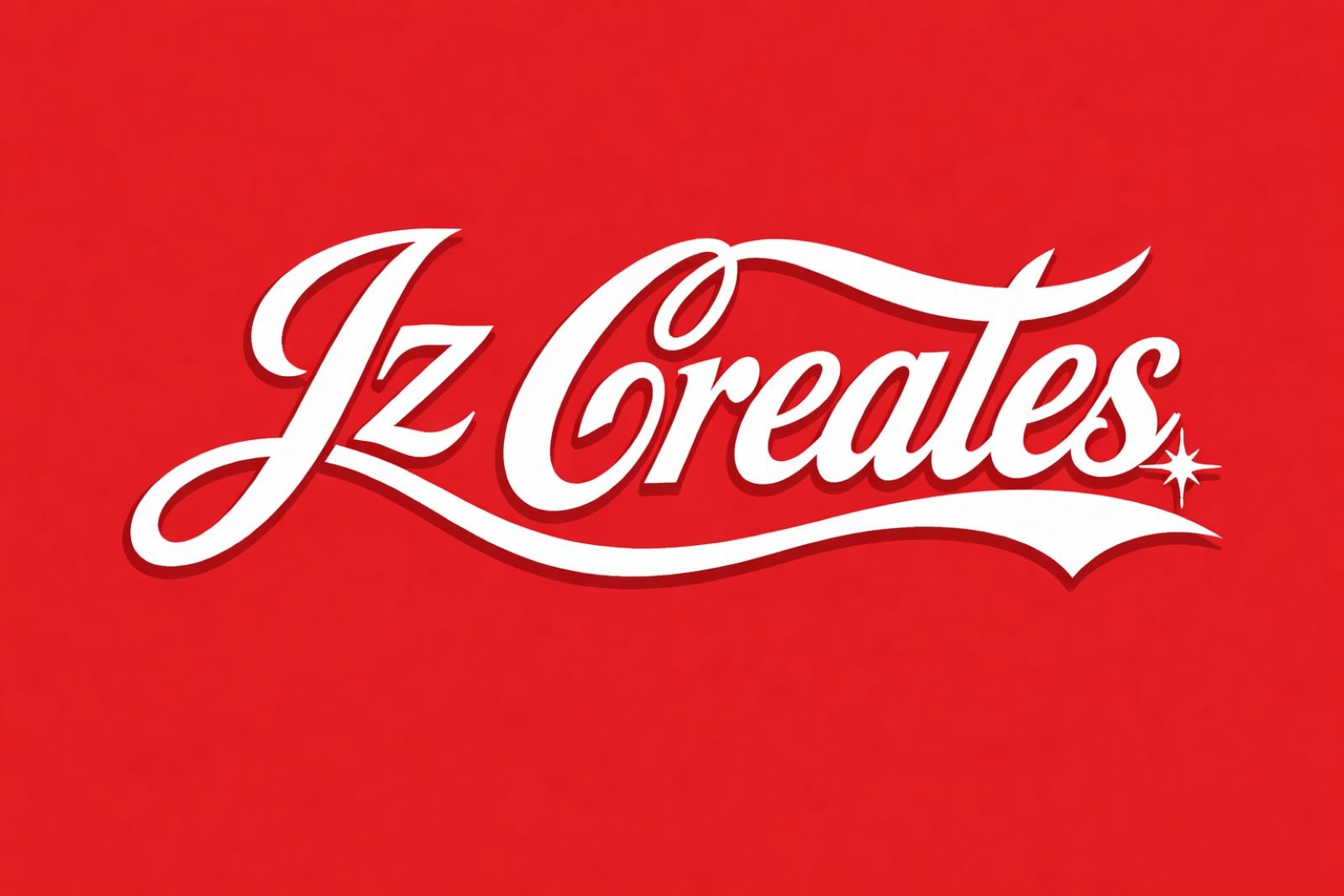
This test explores how GPT Image 1.5 handles brand-style logo creation from text alone, especially when referencing a well-known visual language and adapting it across variations.
Prompt
Create a logo with the words “Jz Creates” in the style of Coca-Cola.
Output Image
Follow-Up Prompt
Now make the logo red and on a transparent background.
Output Image
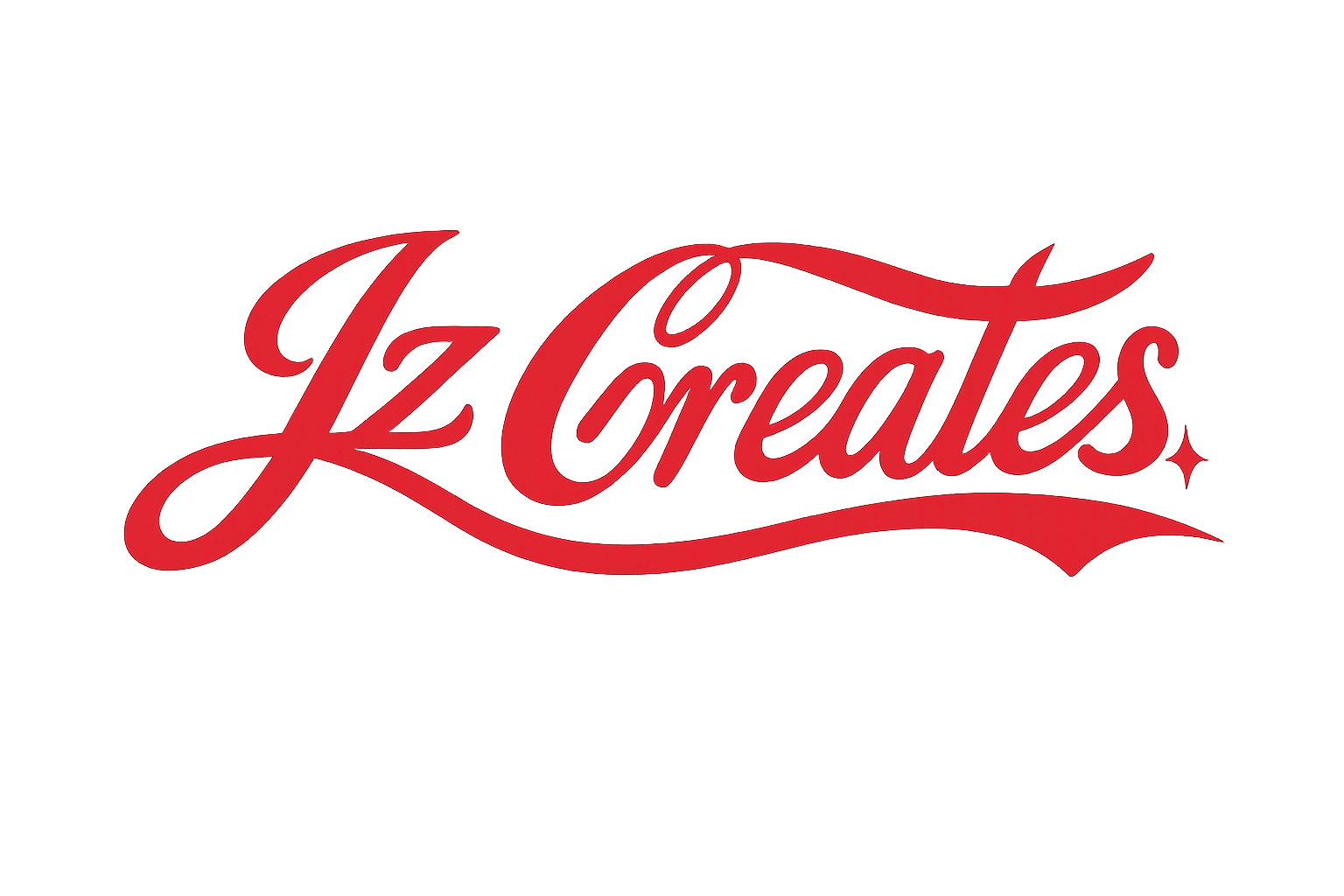
The model does a strong job capturing the flowing script, balance, and energy of the style, and it cleanly adapts the logo to a transparent version with minimal loss of quality. From a creative director’s perspective, this is powerful for fast concepting, though anything inspired by iconic brands would still need refinement and legal review before real-world use. You can access ChatGPT Images here to start testing logo concepts yourself.
11. Classroom Worksheet
This test explores how GPT Image 1.5 handles educational content that needs both visual appeal and factual accuracy, using a kid-friendly planet labeling worksheet.
Prompt
Create an image of a worksheet I can use to quiz my sixth graders on planets? Use a solar system map that they can label. 8 planets. Make it fun and visually appealing! 16×9
Output Image
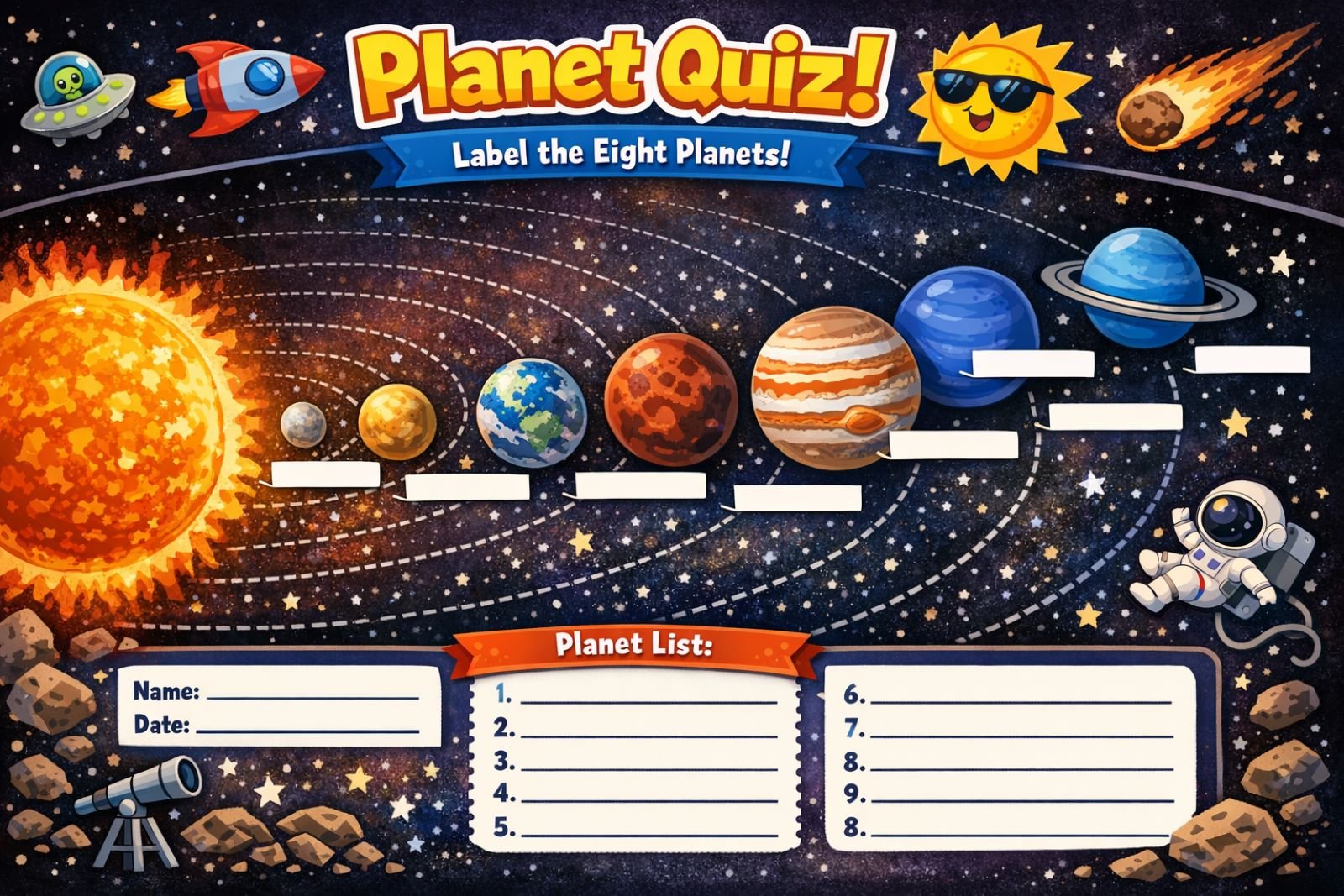
Visually, it’s fun, engaging, and absolutely something a sixth grader would enjoy, but the scientific details fall short — planet order issues, misplaced labels, and Saturn missing its rings break accuracy. From an expert perspective, this shows GPT Image 1.5 shines at design and engagement, but educational outputs still need human review when correctness really matters.
12. Realistic Image
This test looks at how well GPT Image 1.5 can create a fully photorealistic scene from text alone, with an emphasis on lighting, texture, and atmosphere.
Prompt
A photorealistic image of an artisan baker shaping sourdough in a rustic kitchen with morning sunlight. Focus on flour dust in the air, textures of crusty bread, natural shadows.
Output Image
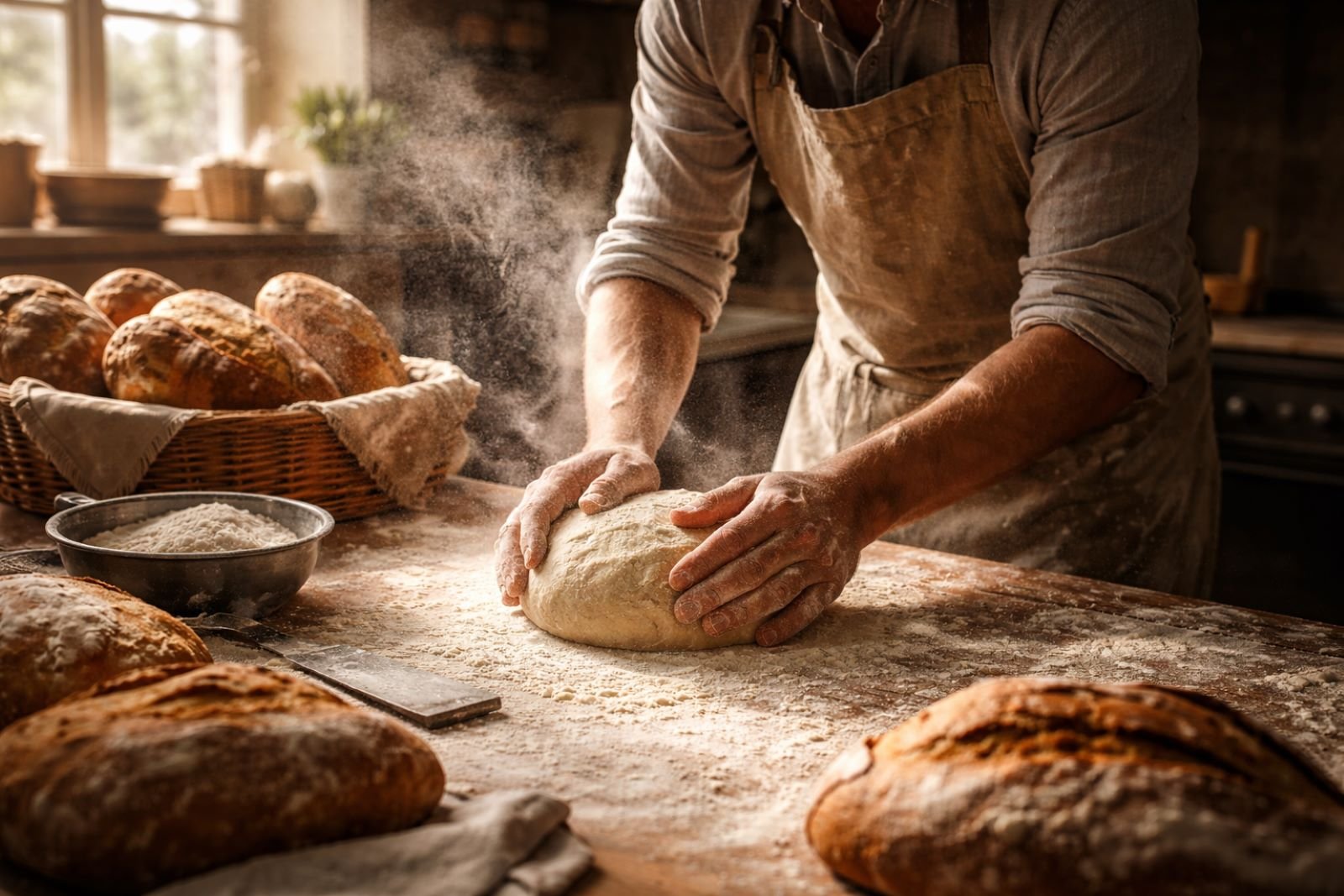
The image feels cinematic and believable, with excellent handling of flour dust, natural shadows, and surface detail that sells the moment. From a creative director’s perspective, this is strong enough to pass as lifestyle photography, making it useful for brand storytelling, ads, and editorial content.
13. Cinematic Concept
This test pushes GPT Image 1.5 to create a full cinematic environment from text alone, focusing on mood, scale, lighting, and world detail rather than a single subject.
Prompt
Generate a cinematic concept scene showing a futuristic rooftop market in Tokyo at night, neon lights reflecting off wet pavement, crowds of diverse characters in cyberpunk fashion, dramatic lighting, wide dynamic range.
Output Image
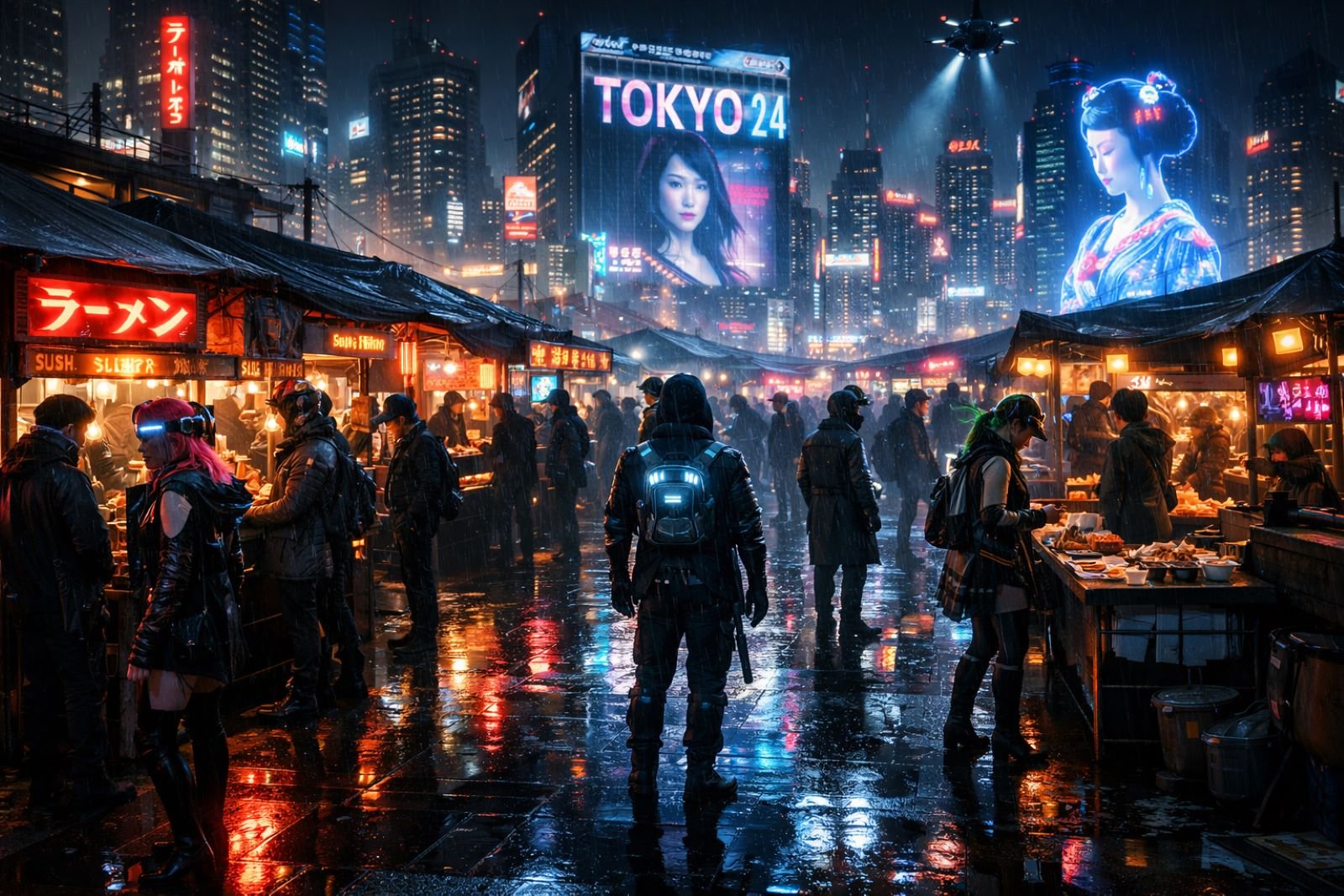
The scene feels immersive and film-ready, with strong depth, reflections, and visual storytelling that instantly sets a tone. From a creative director’s perspective, this is perfect for concept art, pitch decks, and pre-visualization — it communicates a whole world in one frame.
14. Surreal Art
This test explores how GPT Image 1.5 handles abstract, imaginative concepts where realism isn’t the goal, but visual coherence and creative expression are.
Prompt
Illustrate a surreal mountain made of melting clocks above a floating ocean island, in a vividly colorful painterly style. 16×9
Output Image
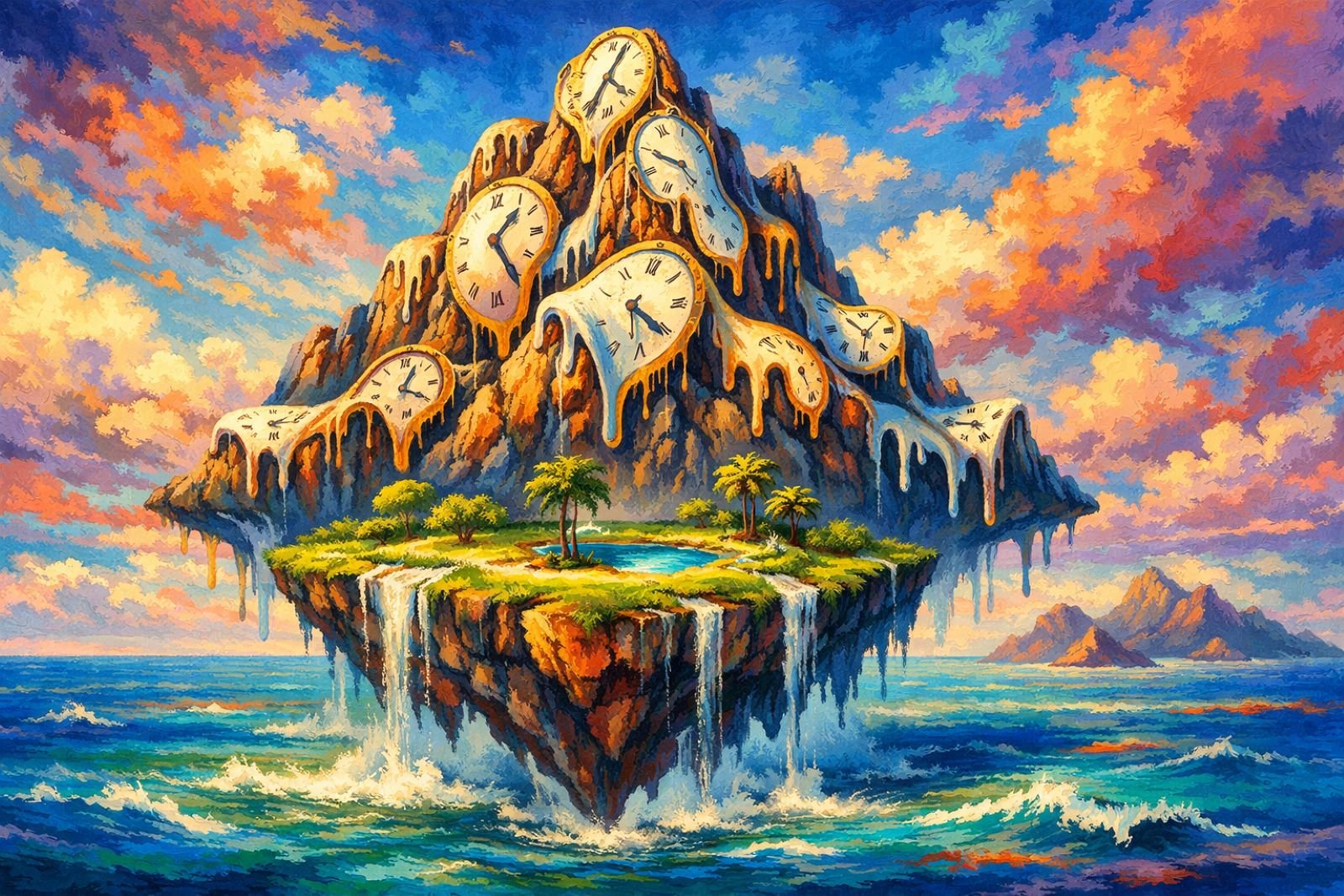
The image is bold, cohesive, and visually striking, with strong color harmony and a clear surreal concept that reads instantly. From a creative director’s standpoint, this is where the model really shines — perfect for album art, editorial visuals, and concept-driven storytelling.
15. Health App UI Mockup
This test looks at how GPT Image 1.5 handles interface design from text alone, focusing on layout, hierarchy, and a clean, modern UI style.
Prompt
UI mockup of a health app dashboard on a modern smartphone frame with clean minimal style: heart rate graph, steps counter, wellness tips. 16×9
Output Image

The dashboard is clear, readable, and visually balanced, with data that feels realistic and well-organized. From a creative director’s perspective, this is strong for early-stage product mockups and pitch visuals, though a real product would still need UX validation and accessibility checks.
16. Luxury Brand Campaign
This test evaluates how GPT Image 1.5 handles high-end brand visuals, where restraint, lighting, and material quality are more important than visual noise.
Prompt 1
Create a luxury brand campaign hero image for a high-end lifestyle brand. Minimalist composition, dramatic studio lighting, deep shadows, elegant color palette of black, gold, and warm neutrals. Feels aspirational, cinematic, and premium. Shot on a high-end commercial camera, ultra-sharp focus.
Output Image
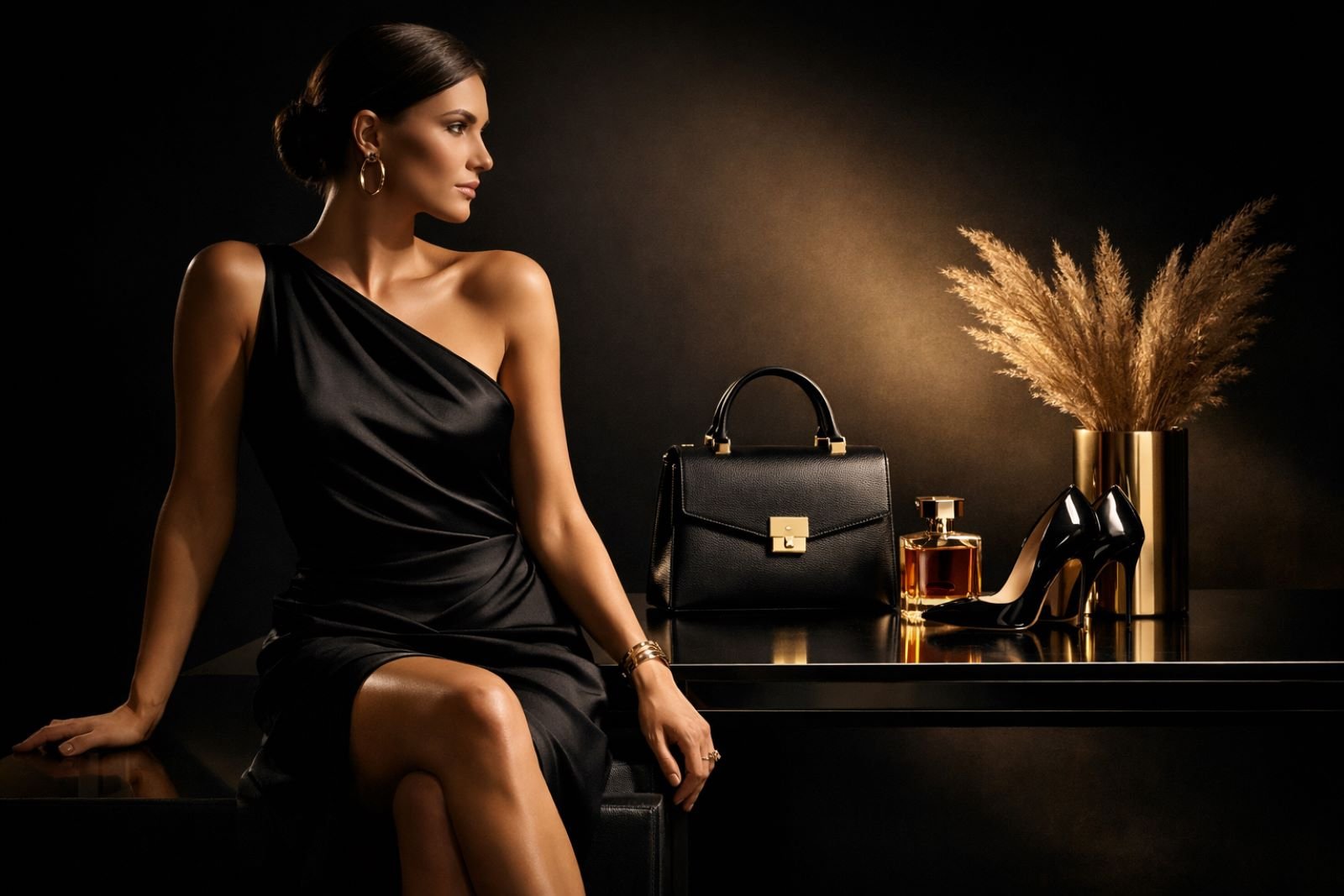
The image feels polished and aspirational, with strong use of shadow, negative space, and premium styling that reads instantly as luxury. Let’s add more prompts.
Prompt 2
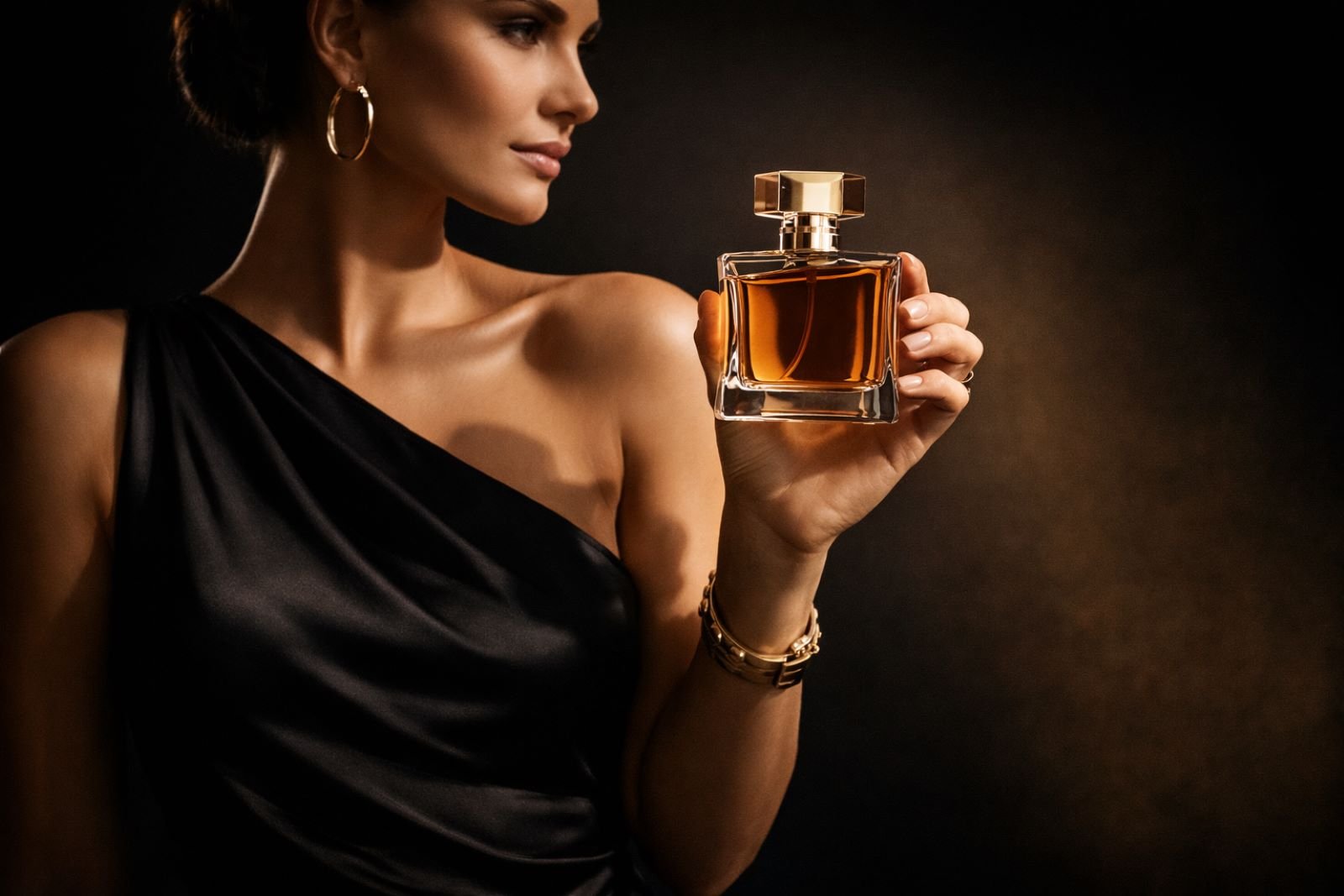
Close-up shot of the woman holding the perfume bottle close to her body, clearly displaying the bottle towards the camera. 16×9.
Output Image
Prompt 3
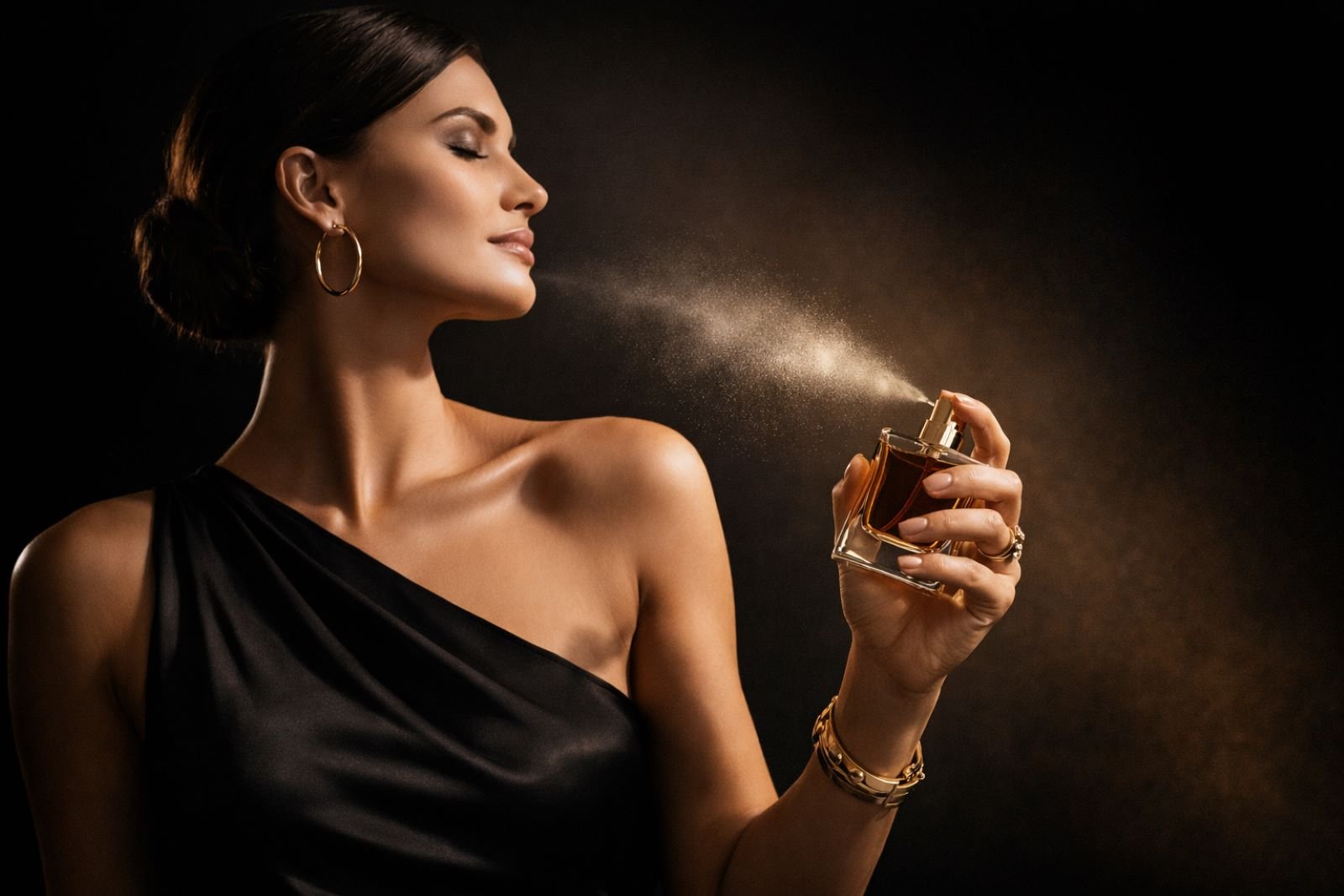
Create an image of the woman spraying the perfume towards herself, mid spray. She is savoring the elegant smell of the perfume. high-end photography, fashion shoot. 16×9
Output Image
Prompt 4
Create a full body view of the woman walking towards the camera, looking directly at the camera with a confident and powerful look. She’s ready for her night to begin. Cinematic look, high fashion photography. 16×9
Output Image
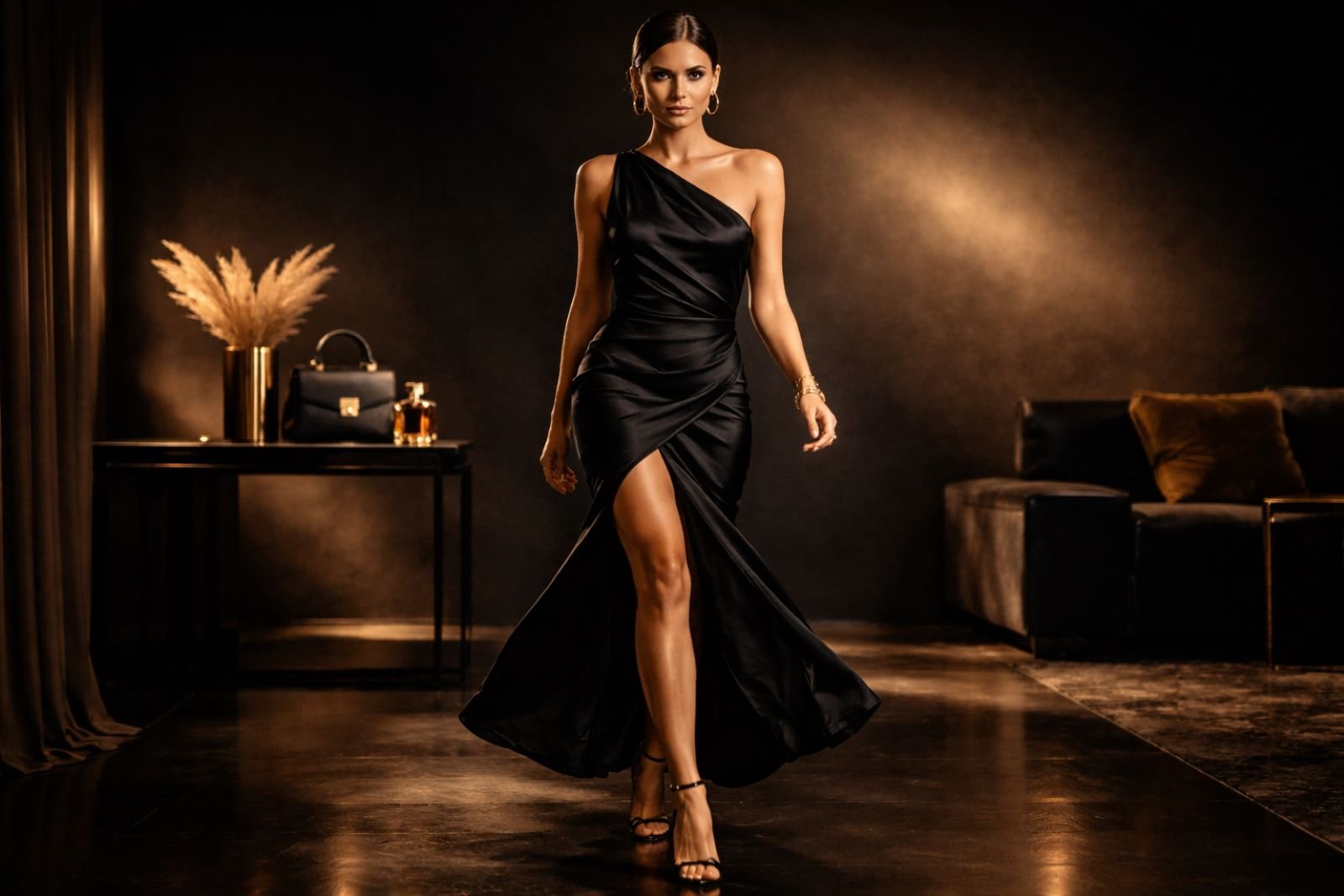
Oops, she forgot her purse. Let’s fix that.
Prompt 5
She’s holding the purse from the background. Keep the perfume bottle on the table exactly as it is.
Output Image
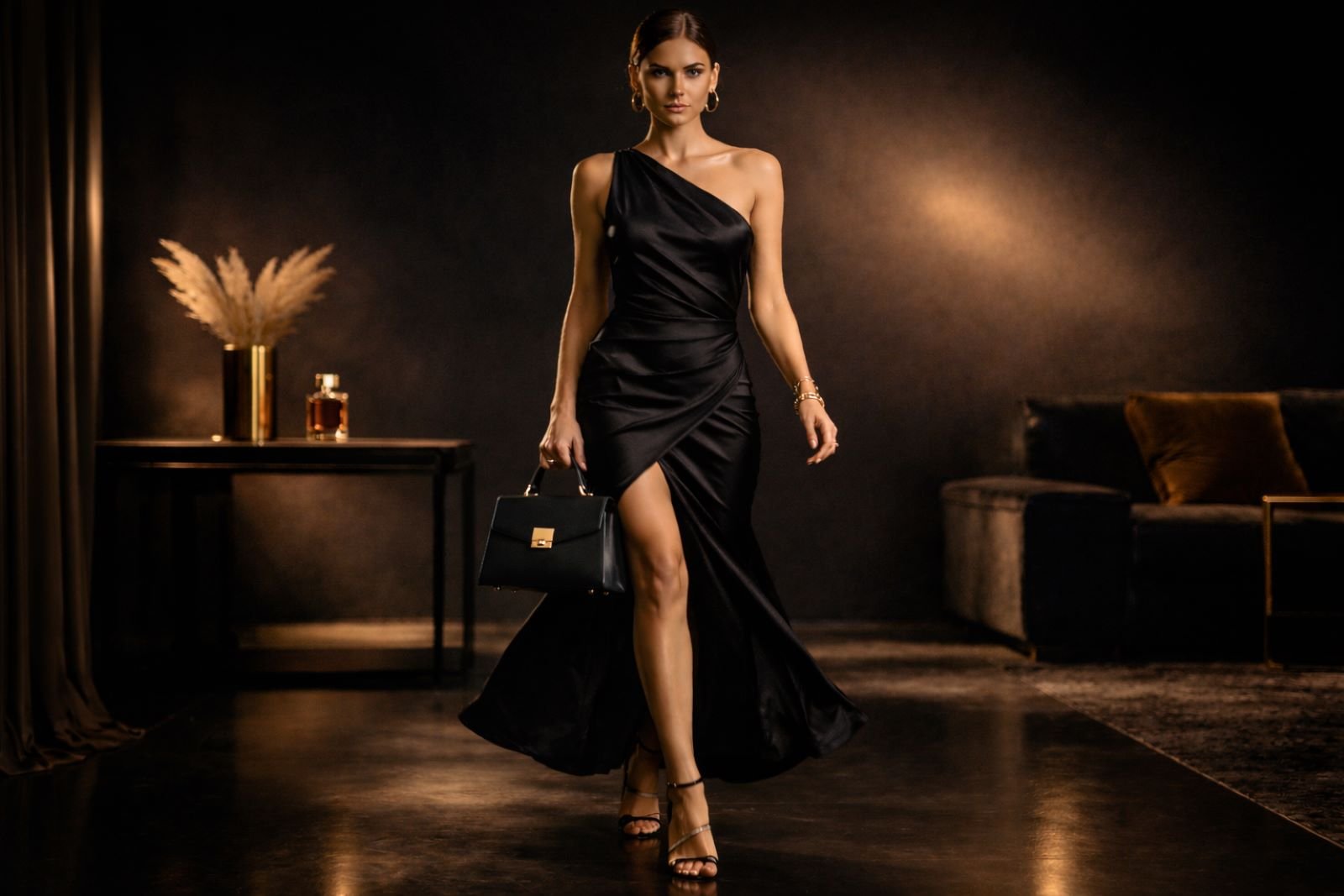
Perfect. This was a very impressive flow of continuous images that told a story. I did have to regenerate the final shot a few times because the perfume bottle kept generating at different sizes. Overall, I’m very impressed with the results from GPT Image 1.5.
17. Gen Z Streetwear Campaign
This test pushes GPT Image 1.5 to generate a high-energy brand campaign image, balancing fashion, attitude, typography space, and visual chaos from a single prompt.
Prompt
Design a bold, high-energy brand campaign visual for a Gen-Z streetwear brand. Vibrant colors, expressive motion blur, diverse models, playful typography space, raw urban textures, flash photography style. 16×9
Output Image
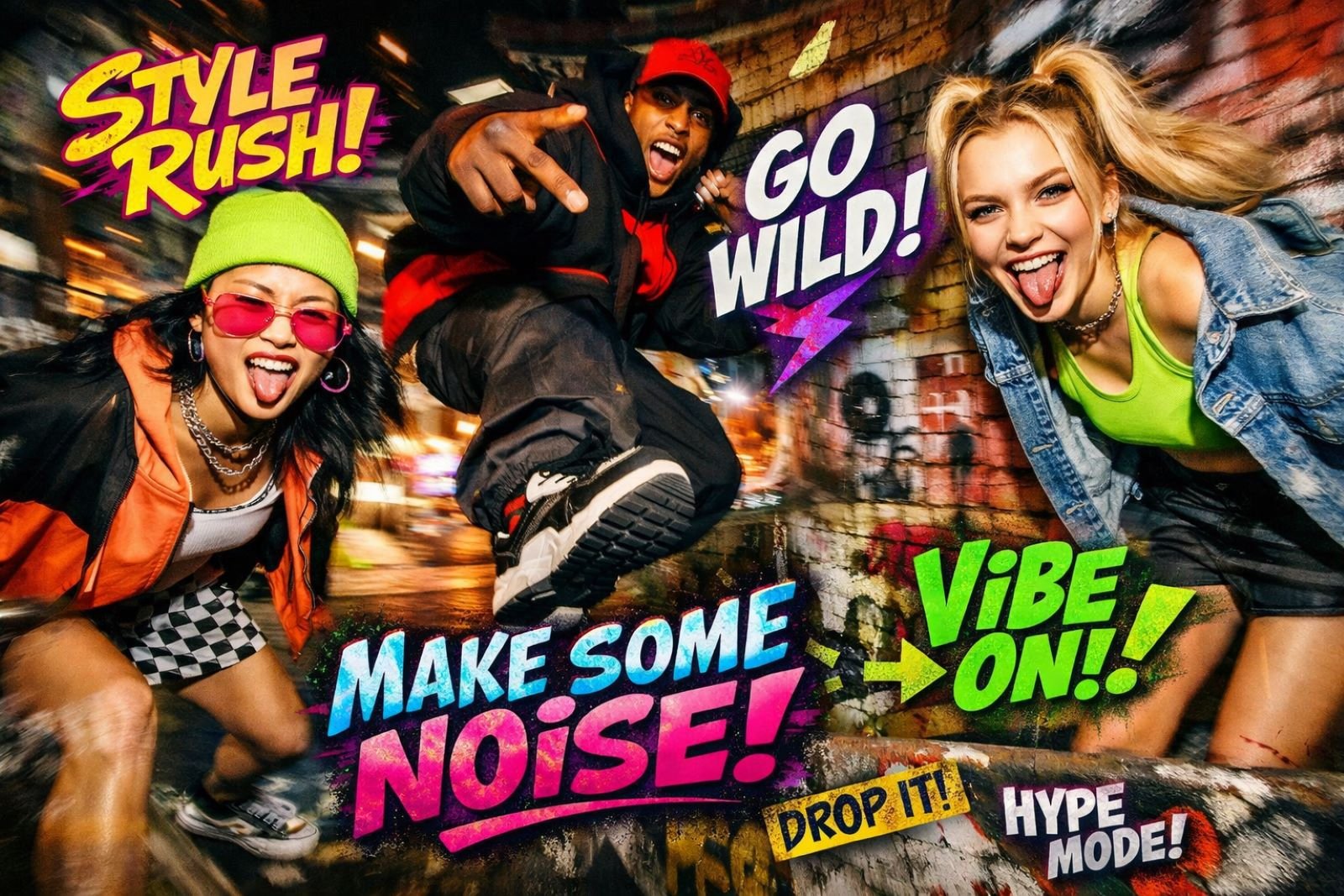
The output feels loud, current, and unmistakably Gen-Z, with strong motion, expressive faces, and punchy graphic elements. From a creative director’s perspective, this is solid for early campaign concepts and mood exploration, with refinements needed for brand consistency and typography control.
18. Social Media Ad Creative
This test looks at how GPT Image 1.5 handles high-impact ad design, where composition, motion, and a clear focal point all need to work together to stop the scroll.
Prompt
Create social media ad image with bold composition, dynamic framing, eye-catching colors, clear focal point, space for headline text. Designed to stop the scroll. 16×9
Output Image
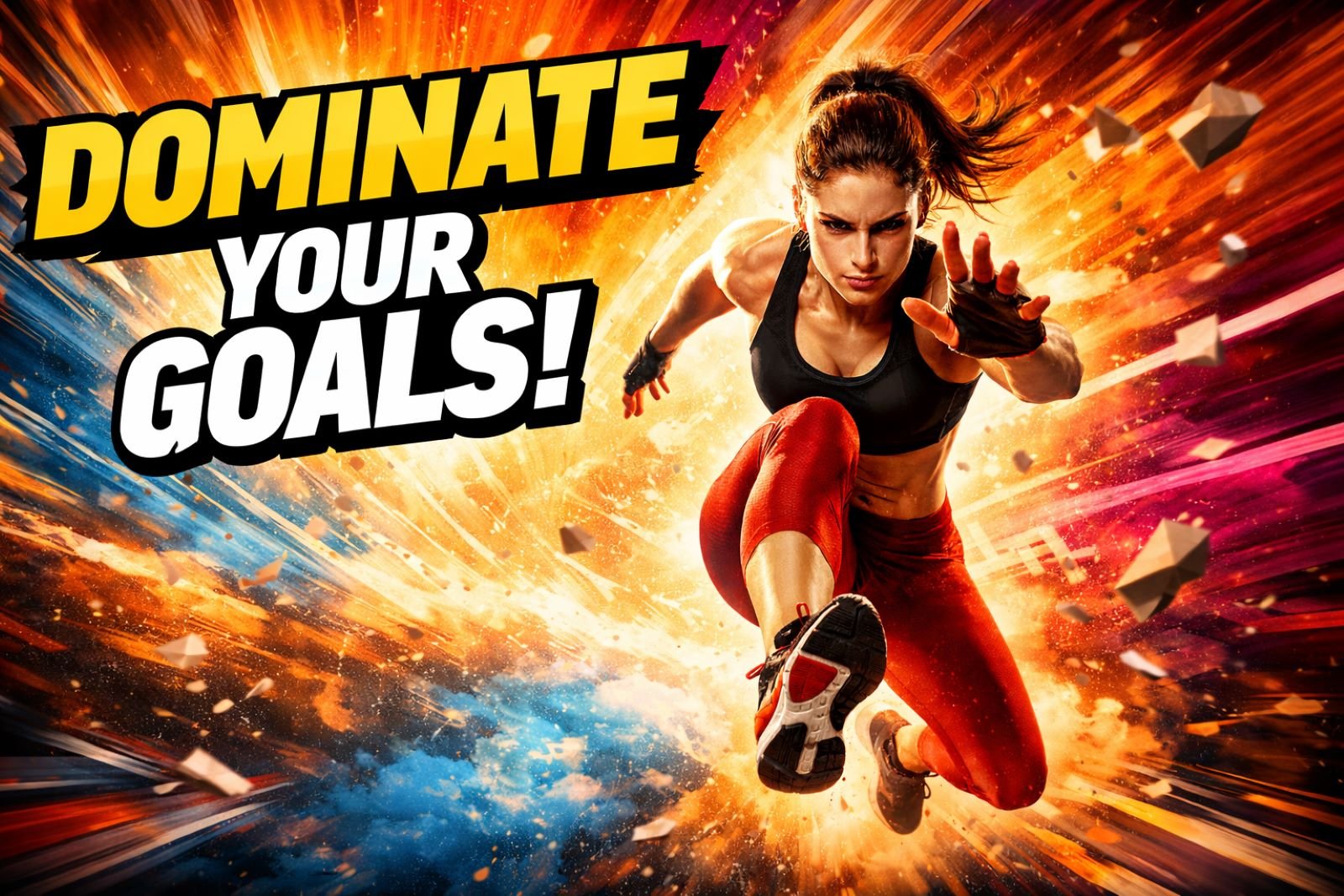
The image is punchy and attention-grabbing, with strong forward motion and headline space that reads instantly in a feed. From a creative director’s perspective, this nails the visual hook, with only minor refinements needed to better align the message to a specific brand or offer.
19. Brand Moodboard
This test looks at how GPT Image 1.5 translates brand adjectives into a cohesive visual system, including color, texture, lighting, and overall tone.
Prompt
Create a brand moodboard for a modern wellness brand. Soft natural tones, organic textures, calm lighting, minimal typography space, cohesive visual language. 16×9
Output Image

The moodboard feels calm, consistent, and thoughtfully curated, with natural tones and textures working together as a unified brand story. From a creative director’s perspective, this is extremely useful for early brand exploration and client alignment, with only light refinement needed for final presentation.
20. 3D Logo Rendering
This test evaluates how GPT Image 1.5 handles dimensional branding, focusing on form, lighting, material finish, and restraint rather than flashy effects.
Prompt
Create a modern 3D logo for the Softside brand with soft lighting, subtle depth, glossy materials, and minimal reflections. Feels premium and contemporary, not overdone.
Output Image
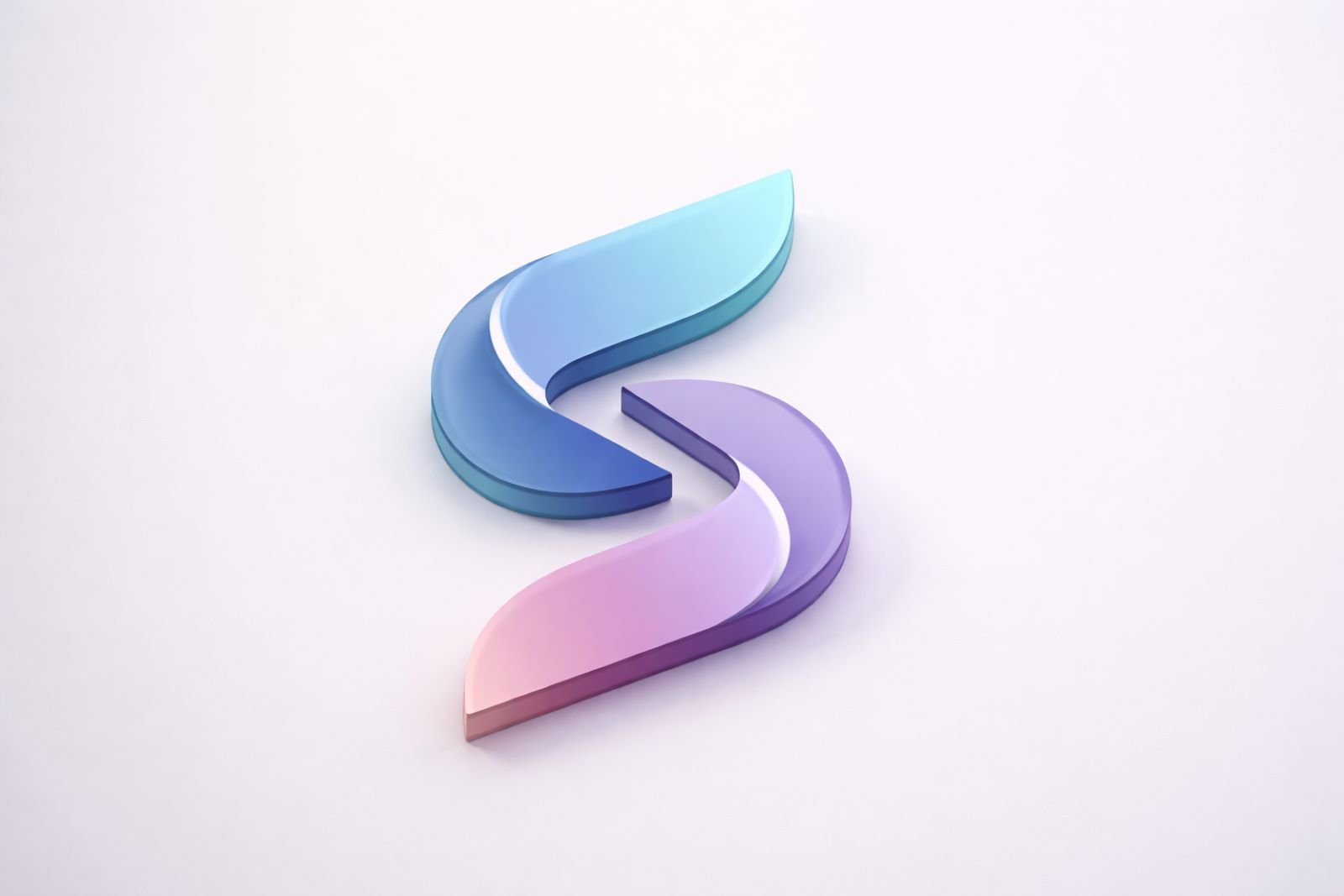
The logo feels clean, premium, and well-balanced, with subtle depth and reflections that don’t overpower the design. From a creative director’s perspective, this is strong for early identity exploration and presentation visuals, with refinement needed to translate it into a fully scalable brand system.
21. Multi-Asset Brand Mockups
This test checks how GPT Image 1.5 applies a logo across multiple real-world touchpoints while keeping lighting, perspective, and realism consistent.
Prompt
Create a realistic brand mockup for the Terra Trail Adventures brand: business cards, website header, social media avatar, signage. Consistent lighting and perspective. 16×9
Output Image
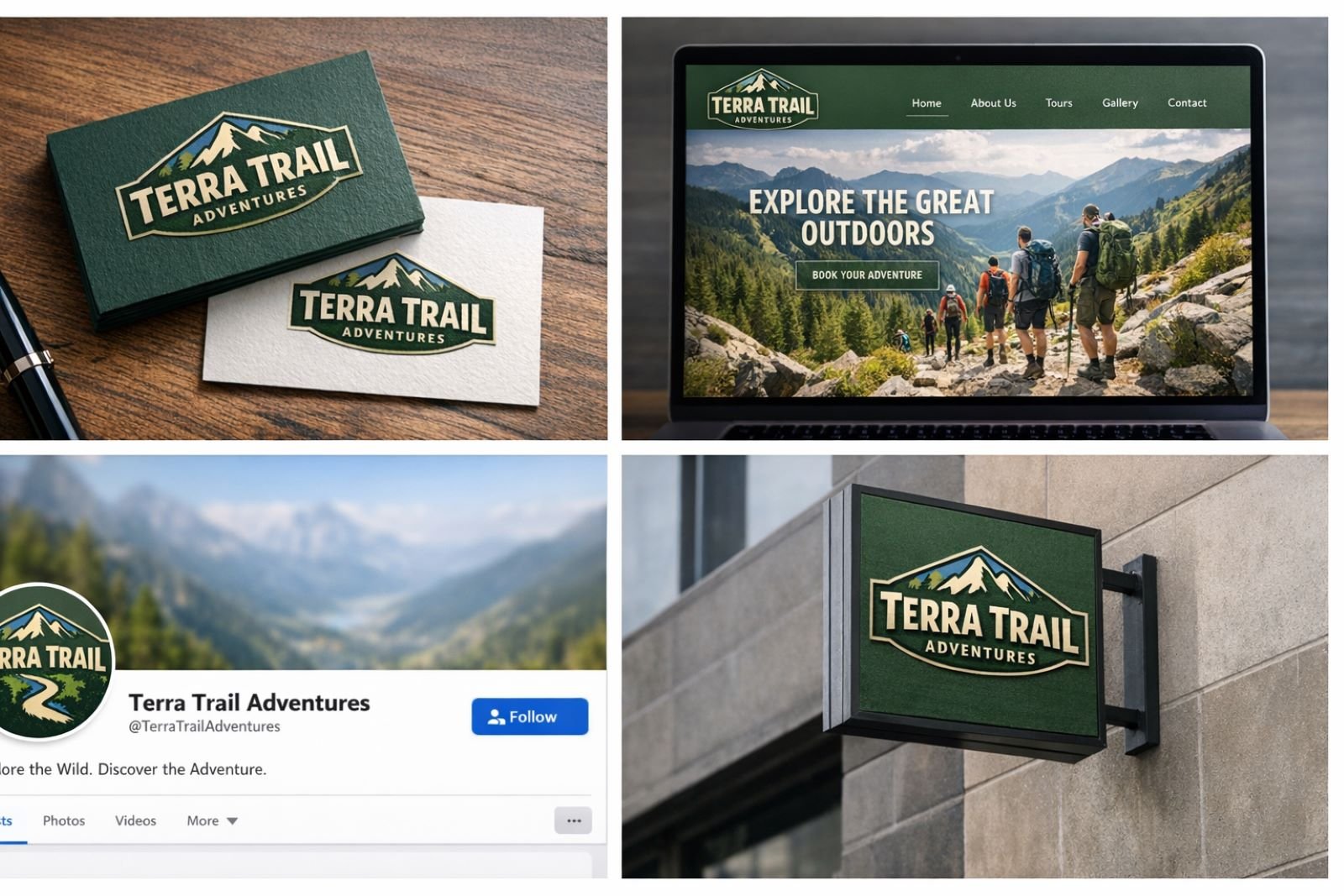
The mockups feel cohesive and believable, with the logo sitting naturally on each surface rather than looking pasted on. From a creative director’s perspective, this is extremely useful for client presentations and early brand validation, even though final assets would still need precise brand guidelines and production polish.
22. Brand Reimagination
This test explores how GPT Image 1.5 reinterprets an iconic brand for a future era while preserving its core identity and emotional recognition.
Prompt
Reimagine the Coca-Cola brand as a futuristic version of itself in 2035. Keep core identity but update visual language, colors, and aesthetic for the future. 16×9
Output Image
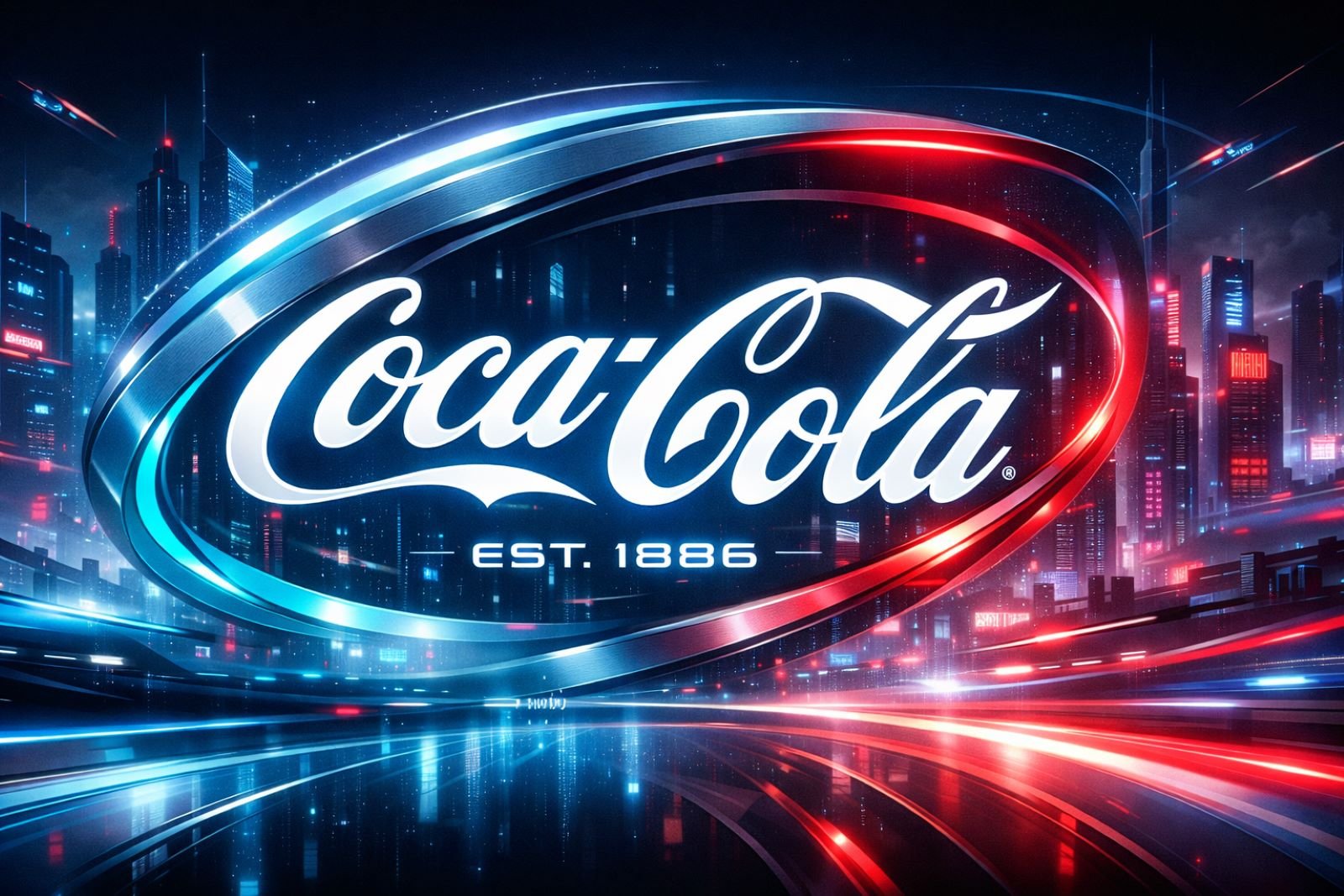
The output clearly respects the original brand DNA while pushing it into a sleek, futuristic visual language with modern lighting and scale. From a creative director’s perspective, this is powerful for vision decks and innovation concepts, but it should be treated as inspiration — not a final brand direction — without strategic and legal oversight.
23. Multi-Platform Campaign Adaptation
This test examines how GPT Image 1.5 adapts a single campaign idea across multiple platforms while keeping the brand look and message consistent.
Prompt
Create three different marketing images for the Arise Fitness brand campaign, each for a different platform (billboard, Instagram, website hero) while maintaining consistent brand identity. 16×9
Output Image
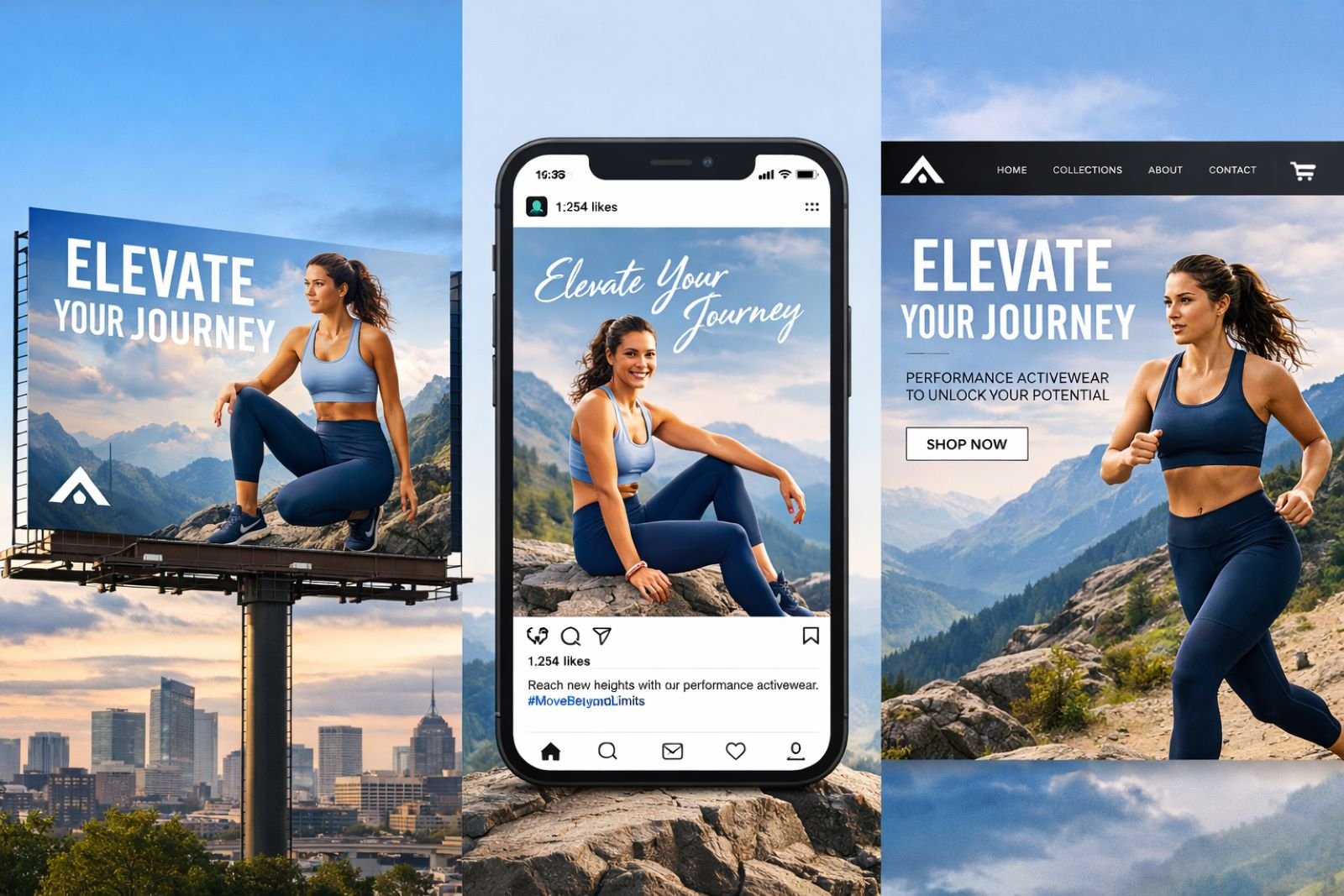
The visuals feel unified but purpose-built for each format, with smart adjustments to framing and hierarchy for billboard, social, and web. From a creative director’s perspective, this is extremely valuable for rapid campaign prototyping, even though final executions would still need platform-specific refinements.
24. Visionboard
This test explores how GPT Image 1.5 translates abstract personal goals into a cohesive, emotionally driven visual collage.
Prompt
Create a visual vision board representing personal growth, creativity, freedom, and balance. Clean collage style.
Output Image
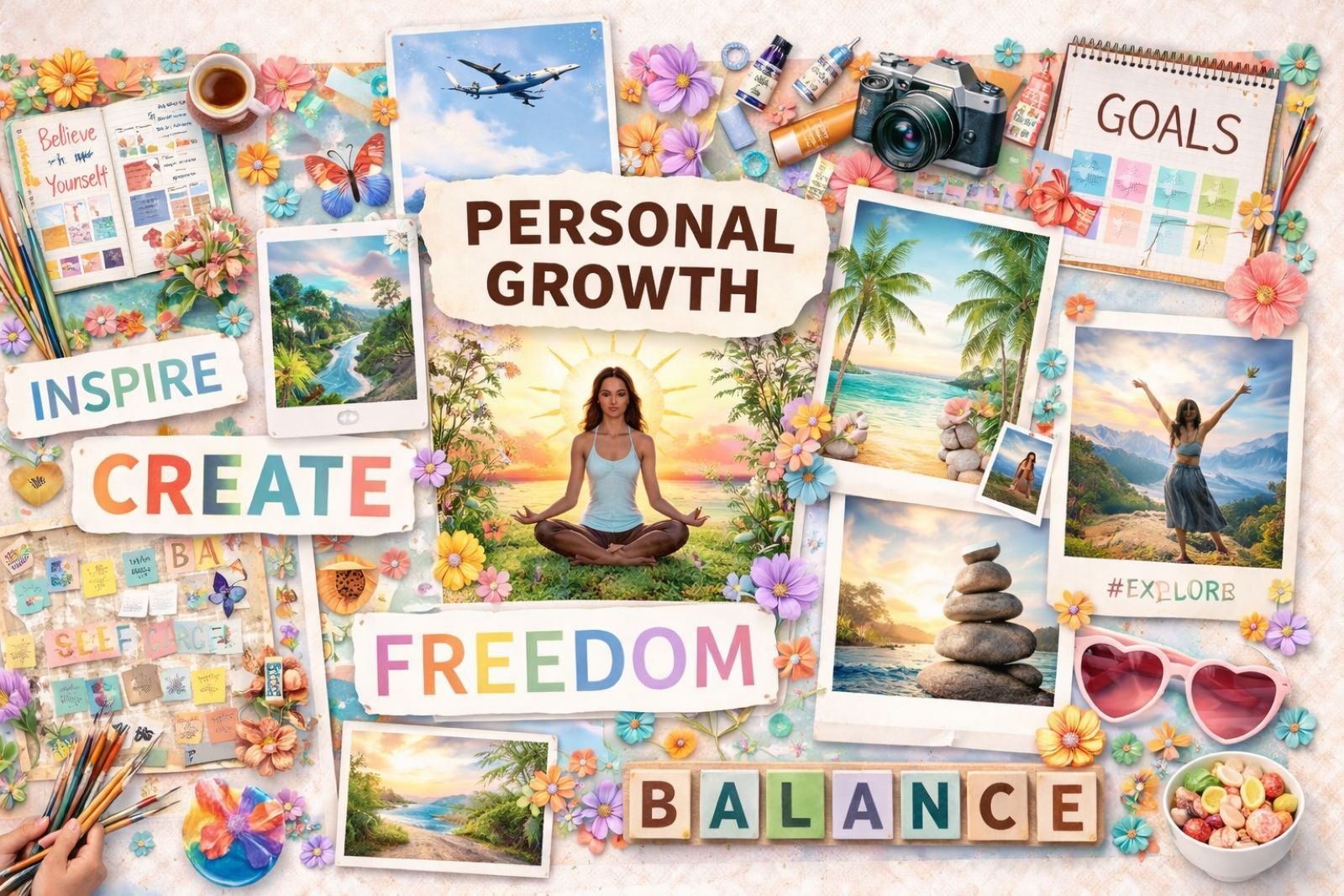
The vision board feels uplifting, clear, and thoughtfully composed, with strong symbolism and a clean layout that communicates intention. From a creative director’s perspective, this works well for personal branding, workshops, and mindset content, with light customization making it feel even more personal.
Final Thoughts
After extensive testing of GPT Image 1.5, I’ve noticed the model excels at certain image types while falling short in others. The preset examples work incredibly well for quick image generations — holiday cards, bobbleheads, ornaments, and plush toys all delivered impressive results with minimal iteration.
But when it comes to quiz worksheets and an accurate representation of technical workflows, the model struggles. The planet order gets mixed up. Process diagrams simplify steps beyond practical use. Educational content looks visually appealing but lacks the factual precision required for real-world application.
This tells me GPT Image 1.5 is a tool best used strategically, not universally. I’ll be using it sparingly — specifically for the image types where it truly shines — and turning to specialized models when accuracy, technical precision, or specific aesthetic control matters more than speed.
The real value is knowing which tool to use when. GPT Image 1.5 isn’t the answer to every visual challenge, but for rapid concepting, seasonal marketing, and creative exploration, it’s a powerful addition to the toolkit.
Can GPT Image 1.5 Replace Nano Banana Pro?
No, it can’t.
After testing both models extensively, Nano Banana Pro delivers superior quality and accuracy across the board. GPT Image 1.5 fails at certain generation types that Nano Banana Pro handles consistently well — particularly when precision, technical accuracy, and specific aesthetic control matter.
The quality gap is noticeable. Nano Banana Pro produces sharper details, better composition, and more reliable results. GPT Image 1.5 struggles with alignment issues — many generations are off-center or poorly framed, requiring manual cropping before they’re usable.
Another major limitation: you can’t choose exact aspect ratios in GPT Image 1.5. This creates friction for marketing teams working with platform-specific dimensions. When you need 16:9 for YouTube thumbnails, 1:1 for Instagram feeds, or 9:16 for Stories, that control matters. Nano Banana Pro gives you that precision.
I’ll be using Nano Banana Pro for most of my image generation work. GPT Image 1.5 will serve as a backup tool for specific tasks where its integration advantage outweighs its quality limitations — quick holiday card mockups, rapid bobblehead concepts, or situations where I’m already deep in a ChatGPT workflow and need a fast visual.
But for serious creative work where quality, accuracy, and control matter? Nano Banana Pro wins every time.
How JZ Creates Leverages GPT Image 1.5 for Client Work
At JZ Creates, we’ve integrated GPT Image 1.5 into our comprehensive AI creative services workflow alongside specialized tools like Nano Banana Pro, Kling 2.5 Turbo, and traditional creative direction.
Our team combines 20+ years of creative leadership with cutting-edge AI capabilities to deliver results that exceed client expectations while maintaining cost-effectiveness.
We don’t use AI as a replacement for creative thinking — we use it strategically to accelerate concepting, test more ideas faster, and deliver premium creative faster than traditional workflows allow.
Whether you need rapid campaign concepting, multi-platform content adaptation, or brand development that moves at the speed of your market, our approach ensures your visuals capture attention and drive results.
If your marketing team wants to move faster without sacrificing quality, let’s talk about how AI-powered creative workflows can transform your content pipeline.
The future of marketing creative is here, and the teams that adapt fastest will own the advantage.