The AI Video Creation Tools We Actually Use in 2026

Sponsored
Sponsored
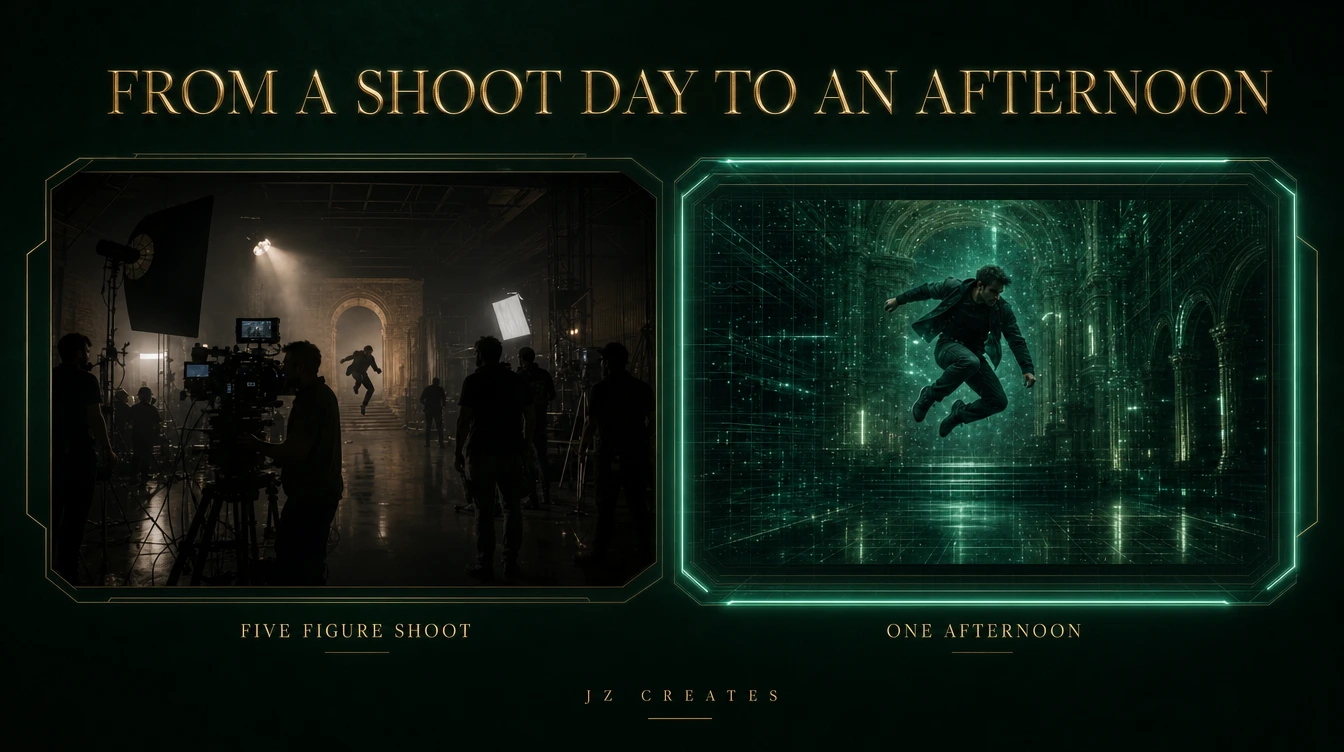
A shot that would have cost us a crew, a location, and a five-figure budget two years ago took one afternoon last week. One creative, a few prompts, and a render. That is the real story of AI video creation tools in 2026, and it is moving faster than almost anyone outside the studio realizes.
So here is the honest version. Not a 23-tool hype list. These are the AI video creation tools we actually ship cinematic, on-brand work with, where each one fits, where each one falls short, and the prompt framework we use to get output that looks expensive instead of generic.
Key Takeaways
- The best AI video creation tools now produce cinematic footage that used to require a full production budget, in a fraction of the time.
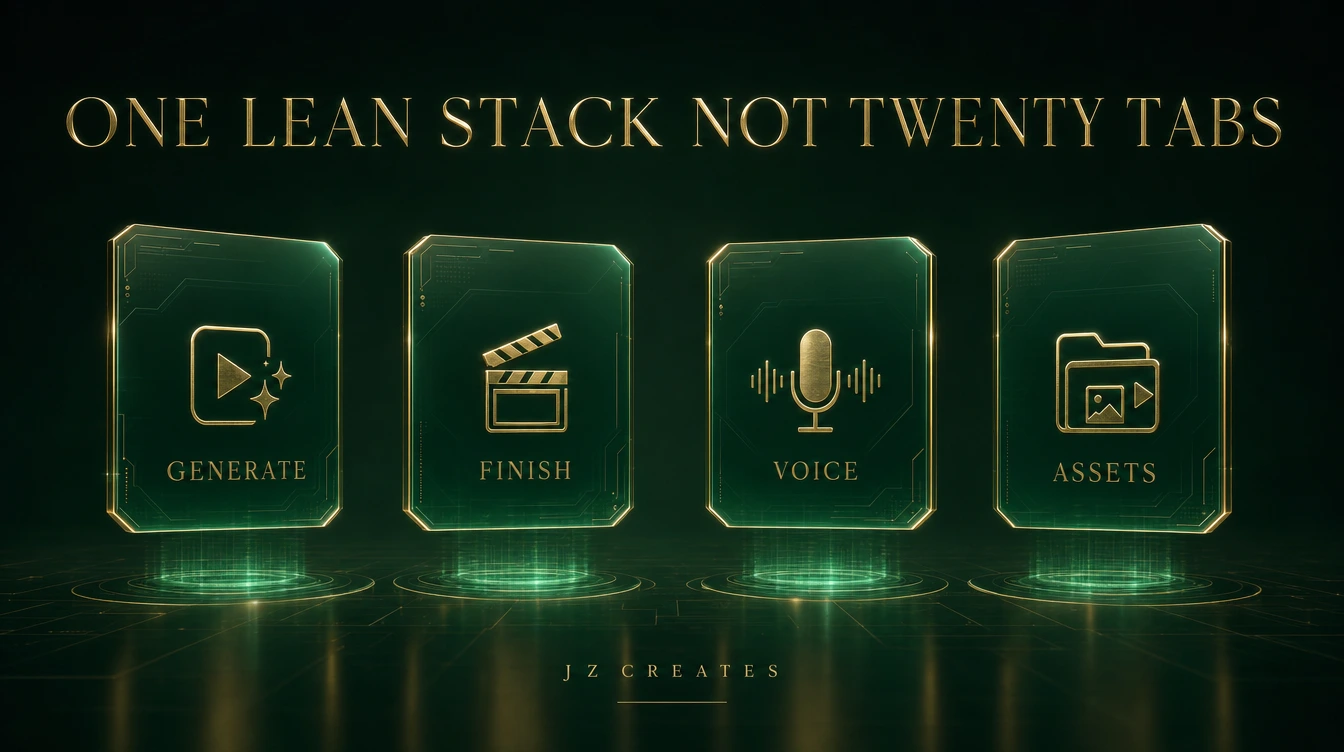
- No single tool wins. We run a lean stack: one or two generators, a finishing suite, a voice engine, and an asset library.
- Where a tool does NOT fit matters as much as where it shines. We call that out for every pick.
- The output quality lives in the prompt and the brand discipline around it, not the tool logo.
- The pace is the real headline. New tools like Palmier Pro are changing the creative process every single month, and the studios that adapt win.
What AI Video Creation Tools Actually Do for a Brand Now
Let’s be clear about what changed, because the headlines oversell and undersell it at the same time. AI video creation tools are not a magic button that replaces creative direction. They replace the slow, expensive middle of production: the shoot days, the reshoots, the waiting, the budget math that killed half your ideas before they started.
What that unlocks for a brand is volume without the usual quality drop. You can test ten concepts in the time it used to take to schedule one shoot. You can localize a campaign into five markets overnight. You can turn a single hero idea into a month of social cuts.
The part that still belongs to humans is the part that always did: the idea, the taste, the brand judgment. We’ve said it before in our take on AI vs traditional production, and it holds. The tool is the camera. The creative still has to come from somewhere.
The AI Video Creation Tools We Actually Use
We grouped our stack by the job each tool does best. You do not need all of them. You need one strong generator, a finishing layer, and the supporting pieces that make it feel like real production.
1. Kling for cinematic generation
Kling is our first pick when the brief calls for directed cinematic motion and believable physics. The camera moves feel intentional, the lighting holds, and faces stay stable across a shot. We reach for it on premium brand work where the footage has to look directed, not generated. We broke down its latest jump in our Kling vs Veo comparison.
Where it doesn’t fit: tight on-screen text or precise product label accuracy. For those we generate the plate in Kling and finish the details downstream.
2. Seedance and Seedream for cinematic action and creative shots
When the shot calls for action, energy, or a bold creative look, Seedance is the one we reach for. It is genuinely strong at dynamic motion and stylized, imaginative scenes, which makes it our pick for hero shots that need to feel alive rather than static. We collected a set of Seedance examples worth studying.
Where it doesn’t fit: quiet, ultra-restrained luxury beats where less is more. For those, Kling’s controlled motion usually wins.
3. Google Veo for fast, stylized iterations
Google Veo is our fast lane for stylized iterations, with native audio so we can try a lot of directions quickly and hear them with sound. And the game just changed again: Google’s brand new Gemini Omni model folds video generation into Gemini and can create from almost any input, image, audio, video, or text, in a single prompt. It is a real shift in how AI content gets made, and we are watching it closely.
Where it doesn’t fit: the most surreal, rule-breaking looks. Veo leans clean and realistic, which is a strength until you want chaos on purpose.
4. Grok Imagine 1.5, the brand new tool we’re stress testing
We test new tools constantly to see what’s possible, and right now we are pushing the limits of Grok Imagine 1.5, xAI’s brand new video model. It turns a still image into video with audio generated in the same pass, and a fast variant can produce a 6-second 720p clip in about 25 seconds. It is early, but the speed and the image-to-video control make it a genuinely exciting tool to experiment with on real content.
Where it doesn’t fit: final high-resolution hero deliverables, for now. We treat it as a fast, exciting testbed while it matures.
5. invideo to try every AI video tool in one place
If you want a single place to experiment with AI video without juggling ten logins, invideo is a smart starting point. It brings AI script-to-video, editing, and voiceover under one roof, which makes it a great sandbox for testing what AI video can do before you commit to a deeper specialist stack.
6. DaVinci Resolve and CapCut for the finish
Generation is only half the job. The finish is what makes it look like a brand made it. DaVinci Resolve is our professional editor for color grading, real timeline work, and client deliverables. For quick social cuts, AI voiceovers, reformats, and template-driven content, CapCut is the fast lane. Most of our final pieces touch both.
7. ElevenLabs for voice
A cinematic video with a flat voiceover falls apart in two seconds. ElevenLabs gives us studio-grade AI voice, including cloned voices that stay consistent across a whole campaign. It is the difference between AI video that sounds like a demo and AI video that sounds like a finished ad.
8. Envato Elements for the building blocks
Even AI-first work needs music, sound design, motion templates, and stock to round it out. Envato Elements is the asset library behind the polish, the layer most roundups forget but every real edit relies on.
Where Each Tool Fits and Where It Doesn’t
Here is the honest at-a-glance version, the matrix the giant roundups never give you:
- Cinematic, directed motion: Kling.
- Action, energy, and creative hero shots: Seedance and Seedream.
- Fast stylized iterations with sound: Google Veo.
- Testing the bleeding edge: Grok Imagine 1.5.
- One place to try it all: invideo.
- Color, grade, and client delivery: DaVinci Resolve.
- Quick social cuts and AI voice: CapCut.
- Consistent campaign voiceover: ElevenLabs.
- Music, SFX, and motion assets: Envato Elements.
If you only take one thing: pick one generator and one finisher, get great at them, and add the rest as the work demands. A focused stack beats a folder full of logins you never open.
The Tools Are Getting Better Every Month
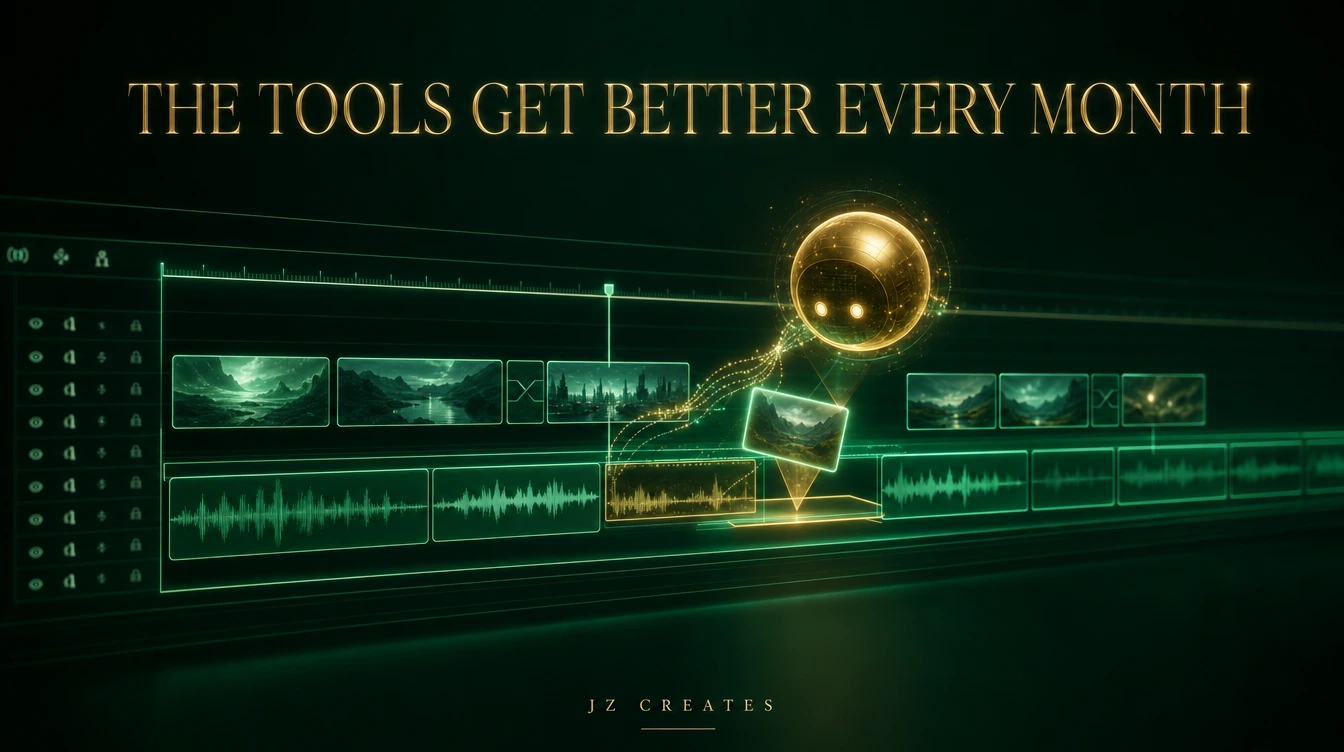
This is the part we want every brand leader to hear, because it changes how you should plan. AI video creation tools are improving on a weekly and monthly cadence now, not a yearly one. What was impossible in January is a default feature by summer.
The clearest signal right now is Palmier Pro, a brand new AI-native video editor that people will not stop talking about on X. Instead of bolting AI onto an old timeline, it lets agents like Claude operate the editor directly: organizing footage, generating assets, and making edits right on the timeline from a structured storyboard. It essentially vibe codes the creative process, where you describe the vision and the agent executes the technical work.
It is one step closer to AI editing video on its own, and we will be honest, that is a strange feeling for anyone who has spent years in an edit bay. But the environment is moving fast, and resisting it is not a strategy. Adapting is. The creatives who learn to direct these agents will out-produce the ones who pretend the shift is not happening. We are not affiliated with Palmier, we just think it is a genuine game-changer worth watching.
How We Keep AI Video On-Brand
This is the gap in nearly every “best AI video tools” article, and it is the thing a premium brand actually cares about. Generating a cool clip is easy. Generating fifty clips that all feel like the same brand is the hard part, and it is where most AI video falls apart.
Our discipline is simple. We lock the look first: palette, lighting, type, motif. Every generation has to live inside that universe, the same way we build a cover image that sets the tone for an entire campaign. We use reference frames to anchor consistency, we standardize our prompts, and we finish every piece through the same grade so the whole set reads as one voice.
That is the work that separates AI slop from AI that looks like money. The tool gets you the raw shot. The brand system makes it ownable.
A Prompt Framework for Cinematic AI Video
The tool is only as good as the prompt. Vague in, generic out. Give the model a role, a look, and a motion. These are the templates we reuse, and they pair perfectly with our deeper text to video prompting guide.
Shot brief: “Cinematic [shot type, e.g. slow dolly-in] of [subject] in [environment]. Lighting is [mood, e.g. warm low-key with a single key light]. Lens feels like [e.g. 35mm anamorphic]. Color palette is [two or three colors]. The mood is [one word]. Photoreal, premium commercial quality, no on-screen text.”
Style lock: “Match this reference exactly: [describe palette, grain, lighting, era]. Keep the same color grade and atmosphere across every shot so the set feels like one campaign. Maintain consistent skin tones and material finish.”
Motion direction: “Camera move: [e.g. smooth push-in over 4 seconds]. Subject motion: [e.g. slow turn toward camera]. Keep motion deliberate and controlled, no jitter, no warping on hands or faces. End on a clean held frame.”
Save the ones that work as your own library. That library becomes a real asset, and it is what lets a small team produce at a scale that used to require a building full of people.
What We Actually Use at JZ Creates
We run JZ Creates, a creative agency in Los Angeles focused on content and AI for brands, and we’re building AI Growth Z, a third agency built for automation. Coming from 20-plus years producing campaigns for major studios, we hold AI video to a simple bar: does it look like something we’d be proud to put a brand’s name on?
Our working stack lands like this. Kling and Seedance for cinematic generation, Google Veo for fast iterations, and Grok Imagine 1.5 as the brand new tool we’re stress testing, with invideo as a sandbox to try it all. DaVinci Resolve and CapCut for the finish, ElevenLabs for voice, and Envato Elements for the building blocks. Once a piece is done, it feeds straight into our AI social media automation system so one video becomes a week of content. The tools change every month. The standard does not.
The Bottom Line
AI video creation tools are the biggest leap in production speed we have seen in our careers. They will not hand you taste, and they will not protect your brand from looking generic. That part is still on you. But used with real creative direction, they let a lean team produce cinematic work at a scale and a cost that simply was not possible before.
If you want that kind of work for your brand, without the AI-slop look, that is exactly what we do. Reach out through our contact page and let’s talk.
Frequently Asked Questions
What are the best AI video creation tools in 2026?
For cinematic generation, Kling and Seedance lead our stack, with Google Veo for fast stylized iterations and brand new tools like Grok Imagine 1.5 pushing what’s possible. For the finish, DaVinci Resolve handles professional editing and color while CapCut covers quick social cuts and AI voice. Most teams only need one strong generator and one finisher to start.
Can AI video creation tools replace a video editor?
Not yet, but the gap is closing fast. New AI-native tools like Palmier Pro let agents operate the timeline directly, which automates more of the technical work. The creative direction, taste, and brand judgment still require a human, so the smart move is to learn to direct these tools rather than compete with them.
How much do AI video creation tools cost?
Most generators and editors run between 20 and 100 dollars per month per seat, depending on render volume and resolution. A capable starter stack of one generator, one editor, a voice tool, and an asset library costs less than a single day of traditional production.
Which AI video tool is best for cinematic, on-brand content?
Kling is our first pick for cinematic motion, but the tool matters less than the brand system around it. Lock your look first, use reference frames for consistency, and finish every piece through the same color grade so a whole campaign reads as one voice.
Are AI video creation tools good enough for real client work?
Yes, when they are paired with real creative direction and a proper finish. We use them on paid brand work every week. The difference between a demo and a deliverable is the prompt discipline, the brand consistency, and the editing polish you bring to the raw output.

About Jay Hernandez
Jay Hernandez is an award-winning Creative Director with 20+ years of driving standout campaigns for top brands. Based in Los Angeles, he blends deep creative expertise with cutting-edge AI tools to help businesses and marketing teams unlock bold, breakthrough ideas that deliver real impact. If you are ready to elevate your brand and turn big visions into unforgettable campaigns, connect with Jay and make it happen.
Share This Article
Sponsored