Best AI Video Generators in 2026 (Tested on Real Brand Work)
Sponsored
Sponsored
Key Takeaways
- The best AI video generator for your brand depends on the job. We rank Kling, Google Veo, and ByteDance’s Seedream and Seedance based on what actually held up on paid client deliverables, not spec sheets.
- Kling still wins for motion realism and camera control on product and lifestyle shots.
- Veo produces the most convincing native audio and dialogue sync, which matters for talking-style content.
- Seedream and Seedance are the fastest path from a still image to usable motion, which is why they show up constantly in quick social turnarounds.
- None of these tools replace a strong creative brief. The prompt and the reference footage still decide whether the output looks premium or looks like AI slop.
- We access all four through Kie.ai on a pay-as-you-go basis instead of stacking separate subscriptions.
Every few weeks another AI video generator claims it just made Hollywood obsolete. We’ve tested most of them on actual client deliverables, not demo reels, and the gap between “looks impressive in a tweet” and “survives a client approval call” is bigger than most people think.
What We Actually Test For Before We Trust An AI Video Generator
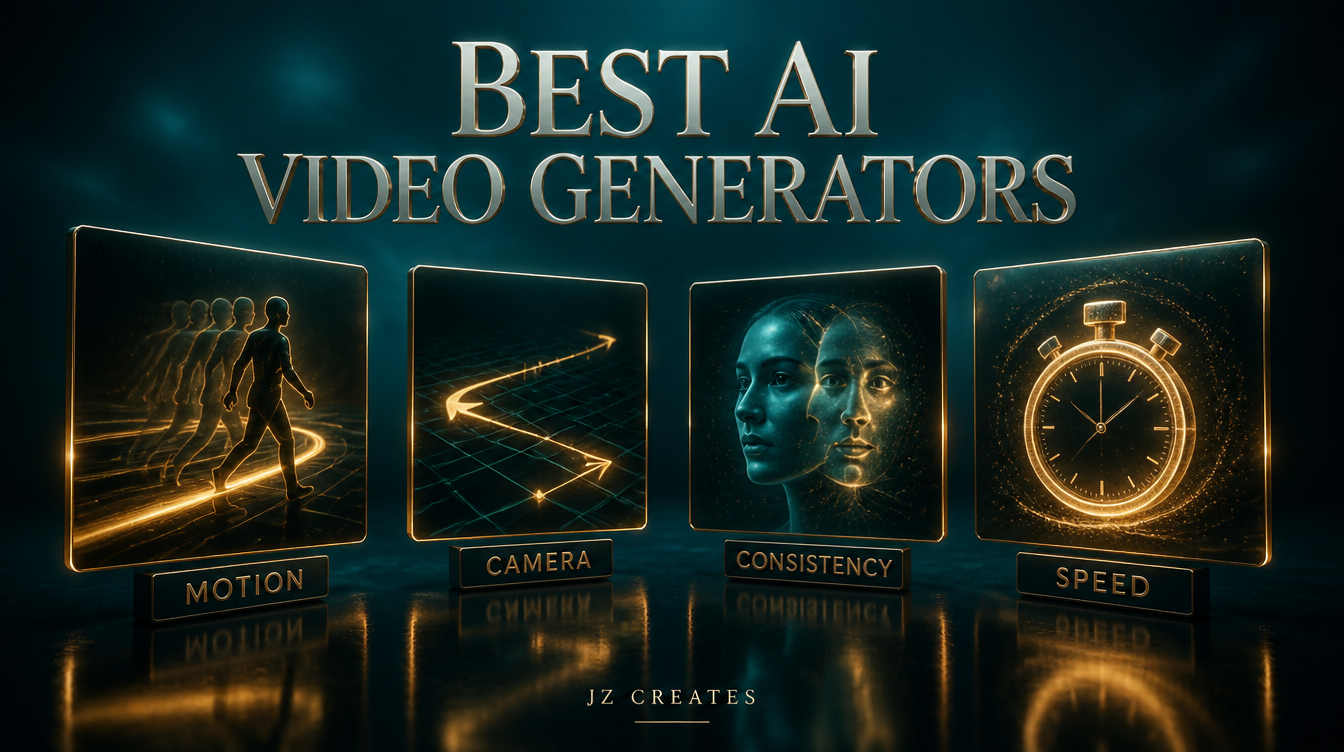
Marketing teams get sold on flashy sample clips. We look at four things instead, because these are the only ones that predict whether a tool survives contact with a real brand deadline.
Motion realism. Does a walking figure actually walk, or does it slide? Does fabric move like fabric? This is where most tools still fall apart on anything longer than three seconds.
Prompt adherence. If we ask for a specific camera move, a specific color grade, or a specific product angle, does the model listen? Or does it interpret the prompt as a loose suggestion?
Consistency across a shot sequence. A single gorgeous clip means nothing if the character’s face or the product’s shape drifts the moment you generate a second angle.
Turnaround speed relative to output quality. A festival client needing same-day social content cannot wait forty minutes for a single eight-second clip, no matter how good it looks.
We built our workflow around these four tools because each one wins on a different axis. Here’s how they actually rank when real client work is on the line.
The AI Video Generators We Rank Highest Right Now
1. Kling
Kling is still our first call for anything involving camera movement, a moving subject, or a product that needs to feel physically real. The motion coherence on longer clips is the best we’ve tested, and it holds up on repeated generations of the same scene, which matters when a client wants three angle variations of one hero shot.
Where it falls short: dialogue and lip sync are not its strength, and it can soften fine texture detail (think embroidery, glass, or metal reflections) on longer runtimes.
“Cinematic slow dolly forward toward a matte black perfume bottle on a wet marble surface, warm key light from camera left, shallow depth of field, subtle steam rising, no text, 8 second continuous shot”
Try Kling if motion quality is your top priority.
2. Google Veo
Veo is the strongest option when a clip needs native audio, ambient sound, or dialogue that syncs to lip movement without a separate voice pass. For talking-style social content, founder-facing brand videos, or anything where the audio and picture need to feel like they were shot together, this is the model we reach for.
The tradeoff is prompt adherence on very specific, technical camera instructions. It performs best when you describe a scene the way you’d describe it to a human director, not the way you’d write a camera spec sheet. Learn more about the underlying model on Google DeepMind’s Veo page.
3. Seedream
Seedream, from ByteDance, is our go-to when a client hands us a single hero image and needs it turned into usable motion fast. It’s an image-to-video specialist first, and it shows: the model respects the source image’s composition, lighting, and subject far more faithfully than most text-first generators.
It is not the tool for long, complex sequences. Think six to ten second single-scene clips, not a full narrative arc.
4. Seedance
Seedance sits next to Seedream in ByteDance’s lineup and leans harder into stylized, high-energy motion, the kind that performs well on TikTok and Instagram Reels feeds where a slower, cinematic pace loses attention in the first second. We reach for it on music festival recaps and consumer product launches where the brief is “make it feel alive,” not “make it feel like a film.”
| Generator | Best For | Watch Out For |
|---|---|---|
| Kling | Motion realism, camera moves, product hero shots | Dialogue and lip sync |
| Veo | Native audio, dialogue sync, talking content | Very technical camera prompts |
| Seedream | Image to video, faithful to a hero photo | Long or complex sequences |
| Seedance | High energy, social-first stylized motion | Slower cinematic pacing |
How We Actually Route A Job To The Right Tool
The mistake most marketing teams make is picking one AI video generator and forcing every brief through it. We route by the job instead.
A luxury product launch that needs a slow, sensory hero shot goes to Kling first. A founder-facing testimonial or explainer with spoken lines goes to Veo. A quick turnaround from a single approved product photo, the kind a consumer brand needs same-day, goes to Seedream. A festival or event recap that needs to feel fast and loud on a vertical feed goes to Seedance.
We access all four through Kie.ai, which lets us pay per generation instead of holding four separate subscriptions we’d only partially use in any given month. That single decision has probably saved more budget than any prompt trick we’ve found. It’s the same routing logic behind our AI creative services: match the tool to the job instead of forcing everything through one platform.
The Mistake Most Brands Still Make
The most common mistake we see is treating the model choice as the whole strategy. It isn’t. The prompt, the reference footage, and the creative direction behind it decide whether the output looks premium or looks like generic AI content that a scroll-happy audience skips past in half a second.
“The AI video generator you pick matters less than the brief you write for it. A weak prompt on the best model still produces forgettable footage.”
We’ve watched brands spend a month evaluating which model is “the best,” when the real gap between their content and a competitor’s was creative direction, not compute. If you want a deeper look at how the pipeline fits together end to end, we broke down our full AI video production workflow in an earlier post, and our Seedance deep dive covers the model-specific prompt patterns that actually work.
What We Actually Use at JZ Creates
We run JZ Creates, a creative agency in Los Angeles focused on content, AI, and automation for brands. On any given week we’re generating footage across all four models above through Kie.ai, editing everything in CapCut (which now handles AI voiceovers and quick template edits alongside traditional cutting), and occasionally pulling a fast first-pass edit together in Invideo when a client needs a rough cut same day. For the written side of the process, prompt drafting, script outlines, shot lists, we lean on Claude, which has become the tool we trust most for turning a loose creative brief into something specific enough for an AI video model to actually execute well.
We’re also building AI Growth Z, a third venture focused specifically on the automation layer that gets this content from generated clip to published post without a person touching every step, the same pipeline we mapped out in our AI tools for social media roundup.
The Bottom Line
If you’re trying to figure out which AI video generator actually belongs in your brand’s workflow, that’s exactly the kind of decision our team helps clients make every week. At JZ Creates, we produce captivating, engaging content for brands across consumer products, luxury goods, music festivals, entertainment, and events, and we build the AI and automation systems behind that content so it ships faster without losing the premium feel a real brand needs. If you want a second opinion on your video production stack or a hand actually producing the content, reach out to our team and let’s talk through what your brand actually needs.
Frequently Asked Questions
What is the best AI video generator for brands in 2026?
There isn’t one single winner. Kling leads on motion realism and camera control, Veo leads on native audio and dialogue sync, and Seedream and Seedance lead on fast image-to-video turnaround for social content. The right choice depends on the specific brief.
Can AI video generators replace a professional video production team?
Not on their own. They replace the raw footage capture step in specific use cases, but the creative direction, prompt writing, editing, and brand judgment still need a person who understands what a premium result actually looks like.
Is it cheaper to use one AI video generator or multiple?
For most brands, a pay-as-you-go access point like Kie.ai works out cheaper than subscribing to four separate platforms, especially if your video needs vary week to week rather than staying constant.
Do AI generated videos work for luxury brands?
Yes, when the model is matched to the job. Kling in particular produces the kind of slow, sensory motion that luxury product shots need. The mistake is using a fast, stylized model like Seedance for a brief that calls for a restrained, cinematic pace.
How long does it take to generate a usable AI video clip?
This varies by model and length, but most of the four tools above return a usable eight to ten second clip in well under a few minutes, which is fast enough for same-day social turnarounds once you already know which model fits the brief.

About Jay Hernandez
Jay Hernandez is an award-winning Creative Director with 20+ years of driving standout campaigns for top brands. Based in Los Angeles, he blends deep creative expertise with cutting-edge AI tools to help businesses and marketing teams unlock bold, breakthrough ideas that deliver real impact. If you are ready to elevate your brand and turn big visions into unforgettable campaigns, connect with Jay and make it happen.
Share This Article
Sponsored